EasyManua.ls Logo

newmotion Home Advanced 2.1 - User Manual

newmotion Home Advanced 2.1
43 pages
Print Icon
To Next Page IconTo Next Page
Loading...
1Installation manual – NewMotion Home Advanced 2.1 / 2.2 - 071NMEN13
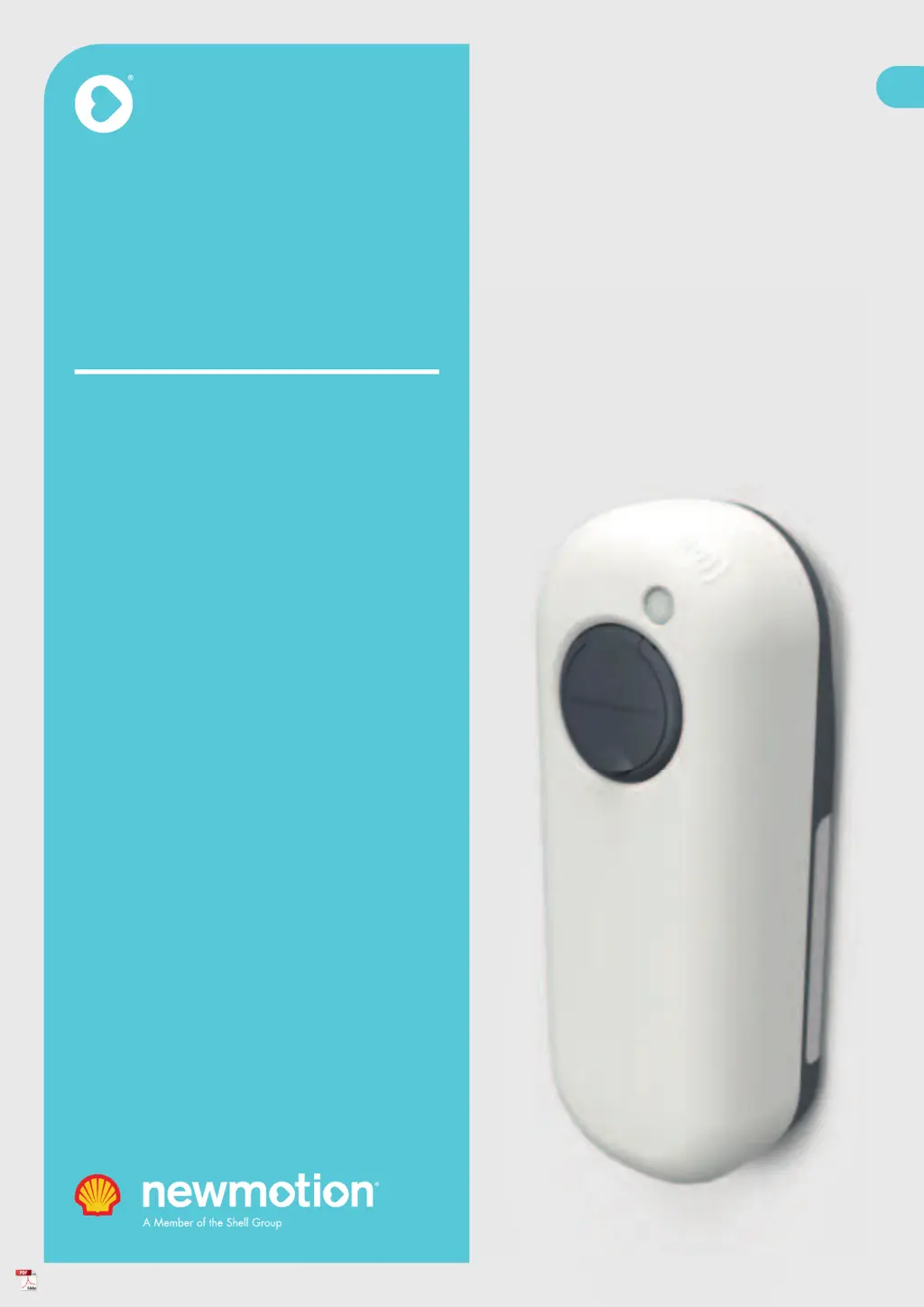
Installation
manual
NewMotion
Home Advanced
2.1 / 2.2
EN

Table of Contents

Questions and Answers

Summary

1. Preface and Document Information

1.1. Original Instructions Language

Details that the manual is a translation from the original UK English version.

1.2. Copyright and Usage Rights

States that manual content is protected by copyright and requires permission for reproduction.

1.3. Liability Limitations

Explains the manufacturer's liability limitations and advises checking the website for the latest version.

1.4. About This Installation Manual

Describes the manual's purpose, including technical descriptions and safety instructions for the product.

1.5. Understanding Safety Symbols

Explains the meaning of safety warning symbols like WARNING, CAUTION, and NOTICE used in the manual.

1.6. Glossary of Terms and Abbreviations

Lists and defines abbreviations and technical terms used throughout the installation manual.

2. Safety Guidelines and Precautions

2.1. Introduction to Safety Procedures

Emphasizes following manual instructions to prevent danger and comply with regulations.

2.2. Intended Use and Foreseeable Misuse

Defines the product's intended use and lists foreseeable misuses to avoid.

2.3. Installer Qualifications and Requirements

Specifies the required qualifications for technicians performing installation and maintenance.

2.4. Protective Measures and PPE

Outlines necessary protective measures, including personal protective equipment (PPE) for safe installation.

2.5. Residual Risks Identification

Highlights that residual risks exist despite safe design and explains how they are indicated.

2.6. Emergency Procedures

Provides instructions on how to immediately cut power to the charge point in case of an emergency.

2.7. Electrical Safety Precautions

Details critical safety precautions related to electricity, installation environment, and component replacement.

2.8. Product Warning Labels

Stresses the importance of following and maintaining warning labels on the product.

3. Product Overview and Components

3.1. Main Product Parts Identification

Identifies and illustrates the main physical parts of the charge point.

3.2. Internal Connections Diagram

Shows the internal wiring terminals and connection points within the charge point housing.

3.2.1. Tethered Cable Internal Wiring

Details the internal connections specifically for models with a tethered charging cable.

3.3. Technical Specifications and Certifications

Lists key technical specifications such as charge capacity, dimensions, weight, and certifications.

3.4. Nameplate and Compliance Markings

Explains the information found on the product's nameplate, including model and compliance markings.

4. Handling During Transport and Storage

4.1. Transporting the Charge Point

Provides advice on how to transport the product to avoid damage and ensure proper functioning.

4.2. Storing the Charge Point

Outlines the proper conditions and methods for storing the charge point to protect it.

5. Installation Guide

5.1. Scope of Delivery and Contents Check

Details the items included in the charge point package and optional accessories.

5.2. Required Installation Materials List

Lists materials and components not supplied with the unit but necessary for installation, including cables, earthing, and protection devices.

5.3. Pre-Installation Preparation Steps

Covers essential preparation steps, checks, and safety measures before starting the installation, including power cutting and cabling.

5.4. Charge Point Mounting Options

Describes the three mounting options: wall, pavement, and soil, with detailed instructions for each.

5.5. Electrical Connections Procedure

Details the procedures for connecting the main power cable and the tethered charging cable to the internal terminals.

5.6. Wired Network Connectivity Setup

Explains how to set up an optional wired network connection using an Ethernet cable to the router.

5.7. DPM Module Installation and Connection

Guides the installation of the DPM module in the consumer unit and its connection to the charge point or smart meter.

5.8. Finishing Installation and Securing

Covers the final assembly steps, including securing the charge point casing and cover with bolts.

6. Commissioning and Activation

6.1. Activating the NewMotion Product

Instructs on activating the charge point via the my.newmotion.com portal for readiness and testing.

6.2. Pre-Commissioning Checklist

Lists essential checks to perform on connections, wiring, and power quality before powering on the unit.

6.3. Powering On and Network Verification

Details the steps for switching on the charge point, verifying LED status, and checking network connectivity.

6.4. DPM Module Configuration Guide

Provides guidance on configuring the Dynamic Power Management module, often via an installer app.

6.5. Charge Point Functional Testing

Explains how to test the charge point's functionality by performing successive charge sessions.

6.6. Regular Use and LED Indicators

Covers routine charging operations, including starting/stopping sessions and interpreting LED status indicators.

6.7. Tethered Cable Usage and Storage

Instructs on how to properly handle, connect, and store the tethered charging cable after use.

7. Troubleshooting Common Issues

No Power Indicator Light

Addresses the issue of no indicator light when power is turned on in the consumer unit.

No Light When Cable Plugged In

Troubleshoots the absence of an indicator light when the charging cable is connected.

LED Flashing Red Error

Explains the causes and solutions for the LED indicator flashing red, indicating an error.

LED Constantly Red (No Cable Connected)

Covers troubleshooting when the LED is constantly red without a charging cable plugged in.

LED Red (Cable Connected, Vehicle Issue)

Addresses red LED with cable connected, indicating potential vehicle or grid issues.

LED Yellow (No Cable, Long Idle)

Guides on resolving the issue of a constantly yellow LED for over 10 minutes without a cable.

LED Green (Delayed Vehicle Charging)

Explains that a constant green LED may indicate delayed charging initiated by the vehicle.

LED Flashing Purple (Reboot;Firmware)

Describes the meaning of a flashing purple LED, indicating reboot or firmware update progress.

LED Blue (Normal Charging Session)

Clarifies that a blue LED indicates a normal charging session, potentially with vehicle-side delays.

8. Maintenance and Care

8.1. Cleaning and Sanitizing Procedures

Provides instructions for cleaning and maintaining the exterior of the charge point.

8.1. Periodic Maintenance Checks

Outlines annual checks for secure connections and potential pest ingress.

9. Product Disposal and Recycling

Appendix A: EC Declaration of Conformity

Appendix B: EC Declaration of Conformity - Cable

newmotion Home Advanced 2.1 Specifications

General IconGeneral
Brandnewmotion
ModelHome Advanced 2.1
CategoryAutomobile Accessories
LanguageEnglish

Related product manuals