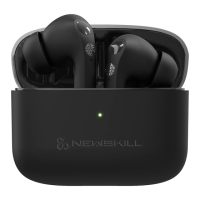
WIRELESS ANC EARBUDS
ANUKI
Transparent mode
Iphone support manual
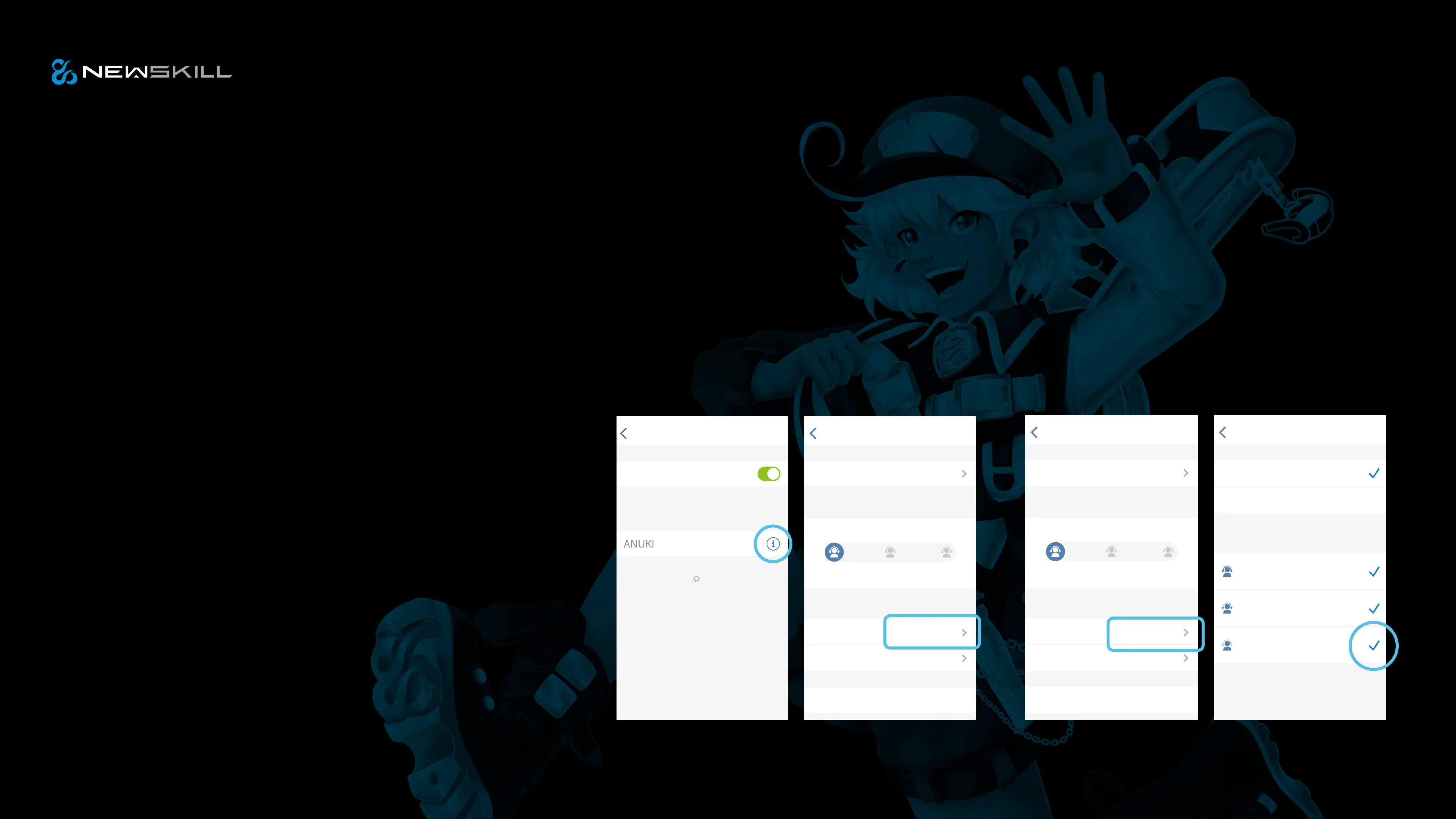
setting ANC mode
How to set three
modes by Iphone?
Noise reduction mode
Turn off noise reduction / transparency mode
When the headset is turned on or playing music, long press
left and right about 2s on either side of the earphone, you hear
a beep at the same time. Prompt tone to enter transparent
mode, Prompt tone: transparency
In the transparent mode, long press either side of the left and
right earphones about 2s, you hear a beep sound at the
same time, Prompt tone: ANC on
In the noise reduction mode, long press either side of the left or
right for 2s, when you hear a beep, Prompt tone: ANC off
How to turn on
noise reduction / transparency mode
Name
Left
Right
Ear Tip Fit Test
PRESS AND HOLD AIRPODS
ANUKI
Noise Control
Noise Control
NOISE CONTROL
Noise
Cancellation
O Transparency
ANUKIBluetoothSettings Bluetooth
Bluetooth
MY DEVICES
OTHER DEVICES
To pair an Apple Watch with your
iPhone, go to the Apple Watch app.
Connected
Name
Left
Right
Ear Tip Fit Test
PRESS AND HOLD AIRPODS
ANUKI
Noise Control
Noise Control
NOISE CONTROL
Noise
Cancellation
O Transparency
ANUKIBluetooth
Noise Control
Siri
Noise Cancellation
Blocks out external sounds
Lets in exernal sounds
Turns o noise cancellation a...
Transparency
O
NOISE CONTROL
Press and hold the stem to cycle
between the selected noise control
modes.
LeftANUKI


 To Next Page
 Loading...