SERIKE
RGB MECHANICAL KEYBOARD
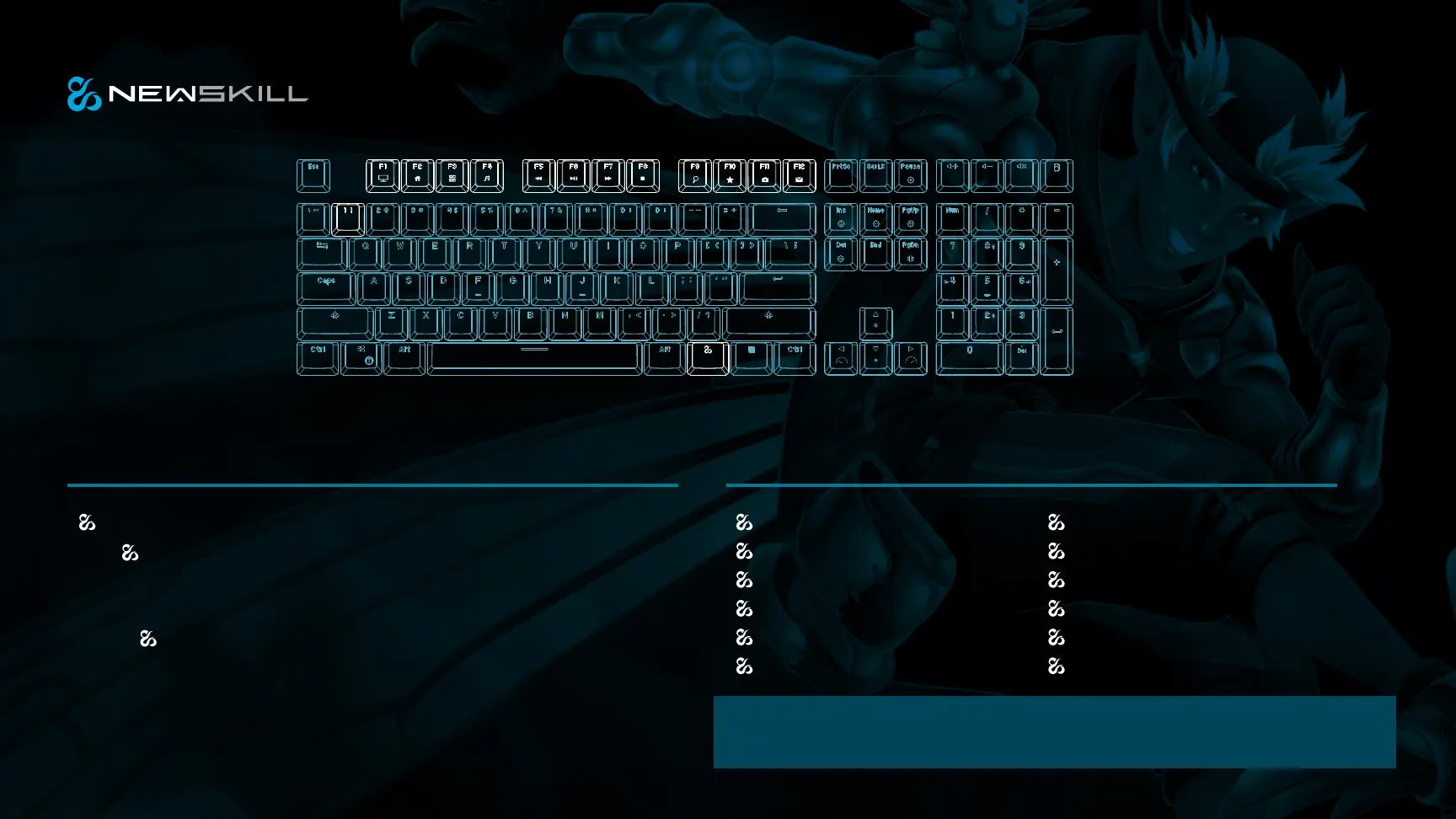
+F11: Custom backlit switch
Press +1! to enter the custom backlit mode storage→ Press FN+F11 to
activate the custom backlit recording, via which you can customize the backlit
as needed.
→Press +F11 to store the recording when completed.
CUSTOM BACKLIT SWITCHING
+ F1: my computer
+ F2: Web browser
+ F3: calculator
+ F4: music player
+ F5: last
+ F6: start / pause
The Caps, LED, Scroll, LED, Num, LED, and WIN LED are separate control units, both
at the same time Indicator function.
+ left WIN: WIN key lock function
+ F7: next
+ F8: stop
+ F9: magnifier
+ F10: favorites
+ F12: mailbox
FN COMBINATION FUNCTION



 To Previous Page