Page | 174
During playback, the Scrub-Bar knob traverses the span between the In and Out Points.
ALPHA CHANNEL SUPPORT
For files with transparency (such as 32bit image files), use non-premultiplied alpha channels only
in TriCaster’s media players. Premultiplied files will not give the correct results when overlaid on
other imagery.
TRICASTER EXTREME™ Monitors on TriCaster EXTREME models show a checkerboard background
behind transparent content.
MEDIA BROWSER 10.2.2
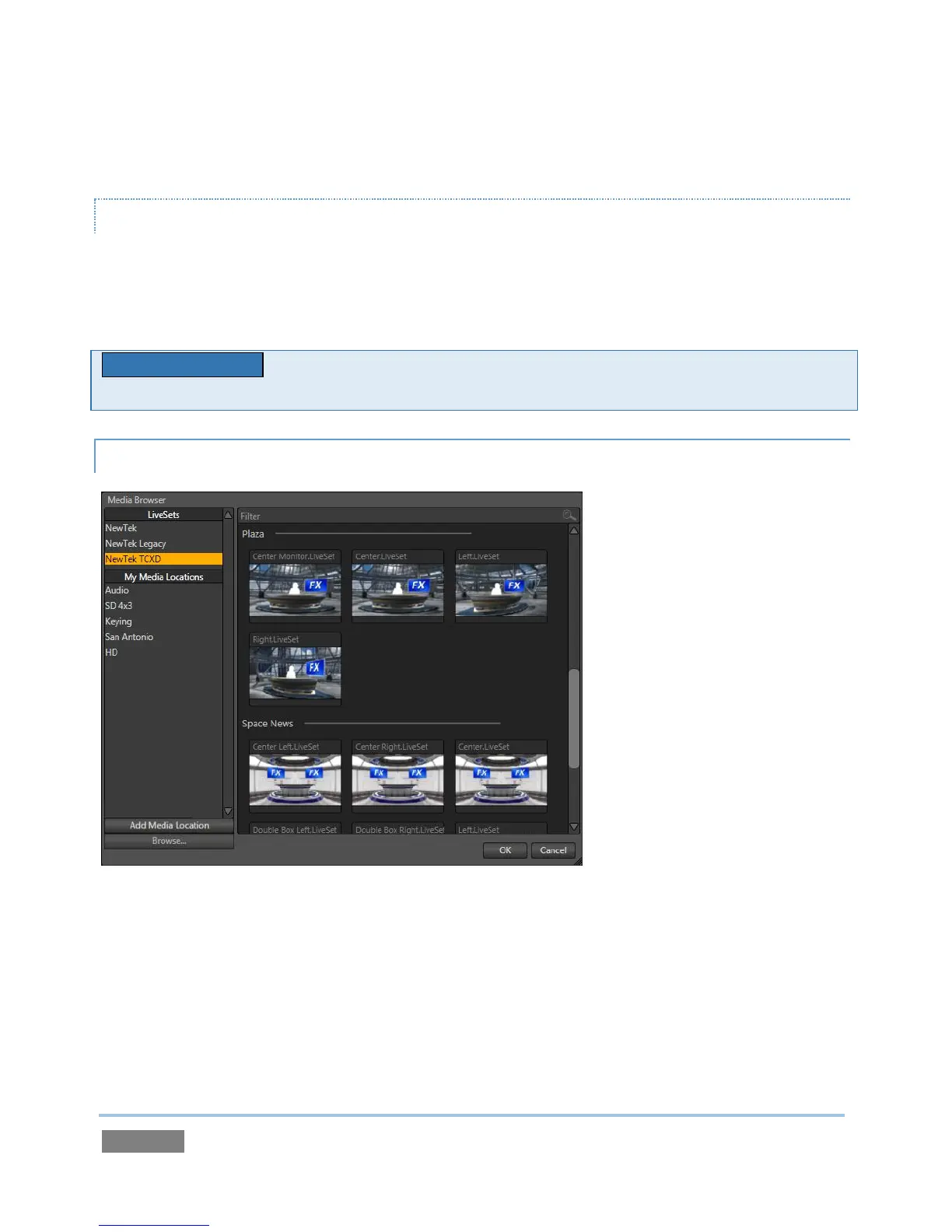
Figure 174
The custom Media Browser is available anywhere in the Live Desktop interface that you might
wish to select content, transitions or effects for use in your project (such as the media players,
LiveSet and Transitions sections). Its layout is comprised of left and right panes we’ll refer to as
the Location List and File Pane respectively.



 To Next Page