-15-
Carista OBDII(Android, iOS) :
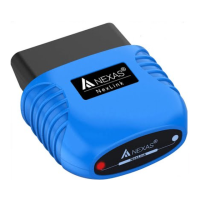
Make sure your phone / tablet’s Bluetooth is turned on.
There’s prior setup, pairing, or connecting necessary for
android.
When the Carista app asks you what kind of adapter you’re
using: select “Carista”.
The app automatically detects your device and connects to it.
BimmerCode / BimmerLink(Android, iOS) :
Open adapter settings in the app and make sure the correct
adapter type is selected.
Tap “Connect” on the start screen in the app.
OBD Auto Doctor(Android, iOS, windows, mac) :
Extras > Connectivity > Adapter select 'Bluetooth' > Choose
one of the 'Device'(such as ‘LE Link’)


 To Next Page