-22-
Bluetooth LE devices from the system Bluetooth Setting. The
right way to do with iOS devices is DO NOT pair with "NEXAS"
from the iOS Bluetooth device list. Please just open the app,
make connection setting and connect from the app. If you have
already tried to pair (caused a Not-Supported-Error), please
restart your iOS device and follow the above instructions.
2) Do I need to pay extra to use this device? Can I use it on
multiple vehicles?
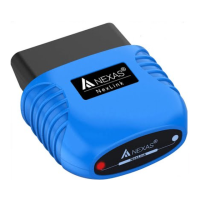
The device requires a third-party App to get it work, which may
require purchase (normally from free to $9.99, decided by the
app’s developers). Some Apps also offer in-app purchase for
advanced features. The device can be used on as many vehicles
as you like.
3) The Bluetooth pairing fails on Android/Windows.
When connecting to the device via Bluetooth, you may be
prompted to enter a pin. Use"1234". If it fails to connect after
entering the pin, or it asks for a 16-digit pin, please reboot your
phone and try again. Change the default pairing pin to 1234 when


 To Next Page