9
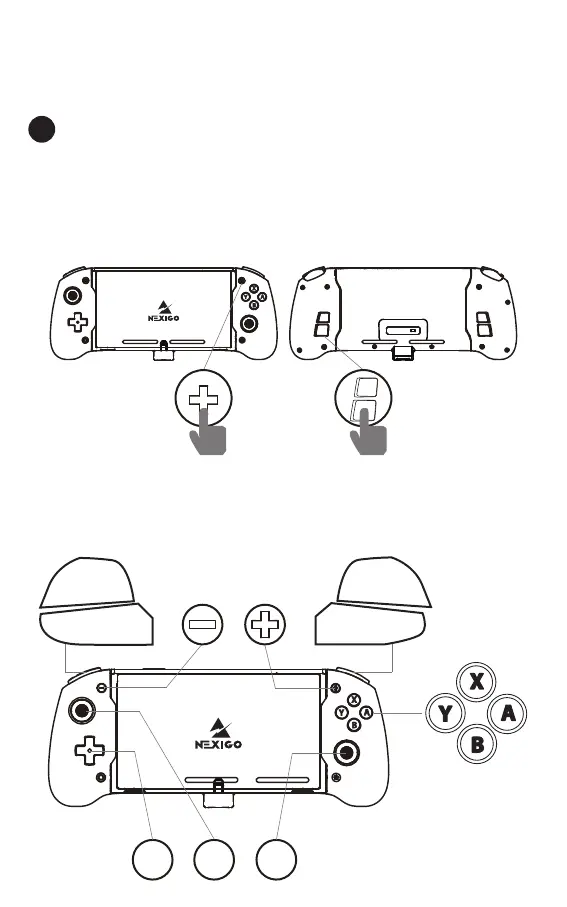
How to Map the Back Buttons?
1.Press and hold the + Button and one of the Map-
ping Buttons(M1 / M2 / M3 / M4) you wish to map
at the same time to enter mapping mode. The LED
Indicator will flash slowly to indicate that you are in
mapping mode.
3. Mapping a front button to the rear buttons
allows you to duplicate the function of the front
button on the rear button.
+
2.Press one of the Mappable Buttons you wish to
map, the LED Indicator will fast flash to indicate that
button input is successful.
ZR
R
ZL
L
R3
L3
D-
pad
US / 06



 To Next Page