8. Auto Framing Toggle
Press to enable or disable the auto framing function.
Press and hold to adjust the auto framing sensitivity.
9. Indicator light
The indicator light will flash when the remote is being used. If you
do not see the indicator light when you press a button you may
need to adjust or change the battery.
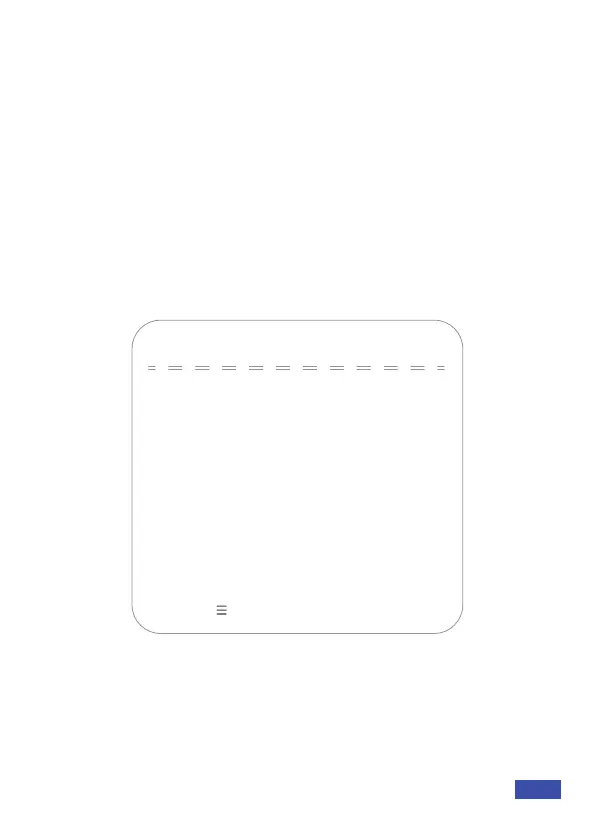
MAIN MENU
Press menu button to display the OSD menu. Use the arrows on
your remote to navigate the menu. Your selection will be displayed
with an ">" arrow. Use the OK button to select the highlighted item.
1. System Setting
Move the pointer to the (Setup) in the Main menu, click the OK
button and enter into the (Setup menu) as shown below:
MENU
→(Setup)
(Exposure)
(Color)
(Image)
(Noise Reduction)
(Version)
(Restore Default)
Device can perform better with a direct
USB 3.0 connection.
[↑↓]Select [← →]Change Value
[Menu ] Return
US 01EN 08


 To Next Page