Shutter: Switch to 1/30, 1/50, 1/60, 1/90, 1/100, 1/120, 1/180, 1/250,
1/350, 1/500, 1/1000, 1/2000, 1/3000, 1/4000, 1/6000, 1/10000 (only
available in Manual/Shutter Priority modes).
Mode: Switch to Auto, Manual, Shutter Priority and Bright modes.
Expo Comp: Toggle to On / Off (only available in Auto mode).
Blacklight Comp: Toggle to On / Off (only available in Auto mode).
Flicker: Switch to Off / 50Hz / 60Hz (only available in Auto /
Shutter Priority / Bright modes).
Gain Limit: Adjust from 0~15 (only available in Auto / Bright modes).
Dynamic Range: Adjust the Dynamic Range between 1~8 or disable
it (only available in Auto / Bright modes).
ISO: Switch to 100-1600 (only available in Manual / Shutter Priority
modes)
Bright: Switch the brightness from 0~23 (only available in Bright mode).
3. Color
Move the pointer to the (Color) in the Main menu, click the OK button
and enter the (Color menu) as shown below:
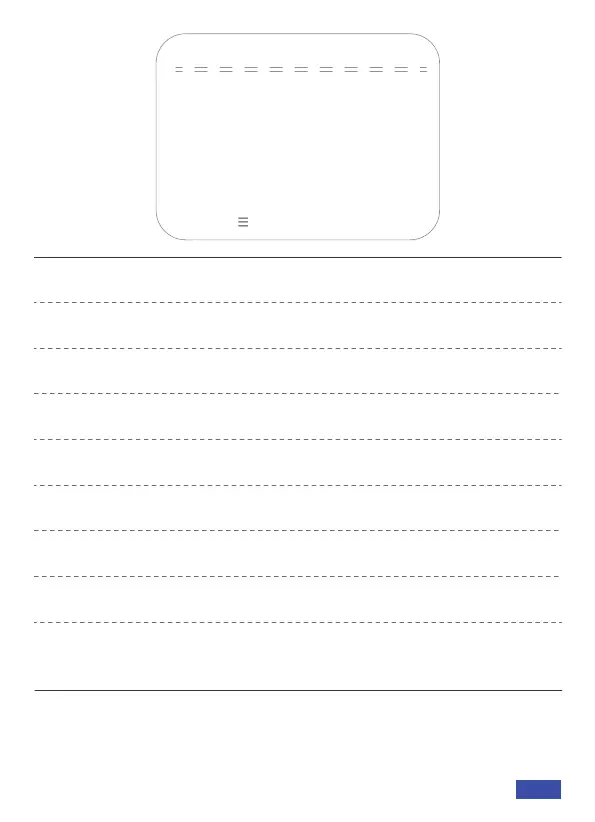
EXPOSURE
→Mode
Expo Comp
Blacklight Comp
OFF
Auto
OFF
Flicker 50Hz
Gain Limit 4
Dynamic Range OFF
[↑↓]Select [← →]Change Value
[Menu ] Return
US 01EN 10


 To Next Page