WB Mode: Switches to Auto, Manual, OnePush, VAR modes.
Red Tone: Adjust from -10~10 (only available when in Auto / Manual
modes).
Blue Tone: Adjust from -10~10 (only available when in Auto /
Manual modes).
Saturation: Adjust from 0~50.
Hue: Adjust from 0~8.
AWB Sensitivity: Switch among High, Middle, and Low (only available
when in Auto mode).
Color Temp: Switch from 2400K~7100K (only available when in VAR
mode).
4. Image
Move the pointer to the (Image) in the Main menu, click the OK
button and enter into the (Image menu) as shown below:
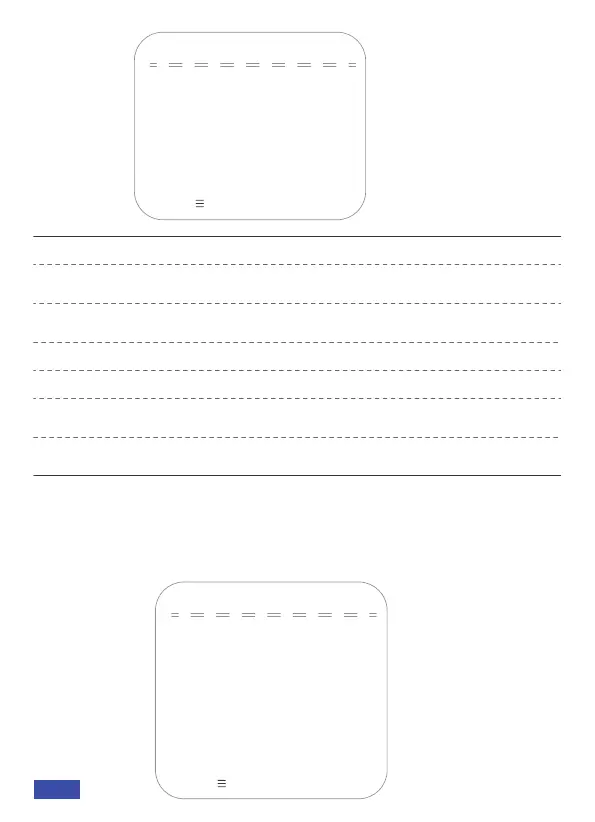
IMAGE
Contrast 50
→Brightness 50
Sharpness 5
Flip-H OFF
Flip-V OFF
B&W-Mode Color
Gamma Default
Low-Light Mode OFF
[↑↓]Select [← →]Change Value
[Menu ] Return
COLOR
→WB Mode
Red Tone
Blue Tone
0
Auto
0
Saturation 36
Hue 4
AWB Sensitivity High
[↑↓]Select [← →]Change Value
[Menu ] Return
US 01EN 11


 To Next Page