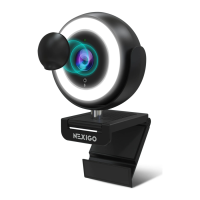
Note: The camera defaults to indoor mode. Please do not aim the
camera directly at the light source.
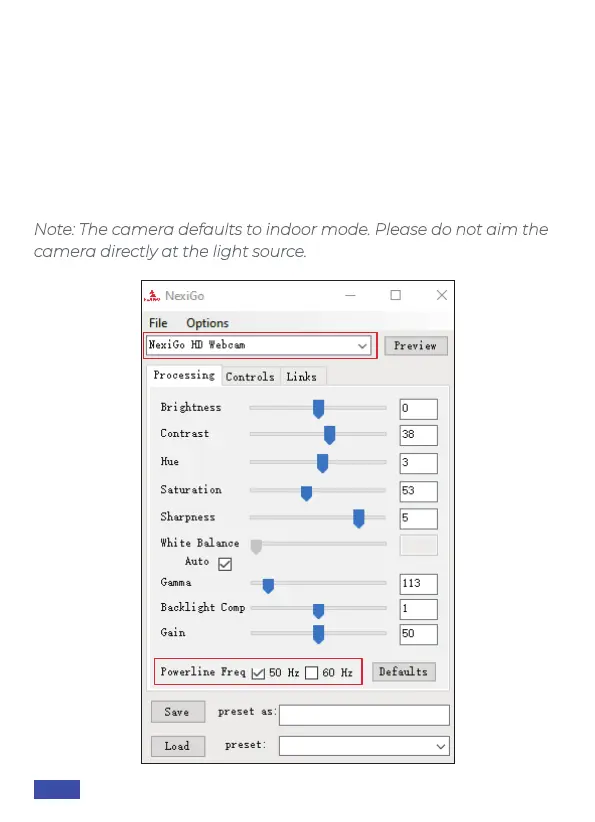
Q4: Why is there flickering or banding on the video feed when I use
the webcam?
A: This might be due to lighting inconsistencies in your room. To
resolve this, download the NexiGo Webcam Settings Software from
nexigo.com/software. In the software, select your NexiGo webcam in
the device selection bar, then change the powerline frequency to
either 50Hz or 60Hz depending on your needs. For example, if your
screen flicks at 50Hz, you can switch to 60Hz to solve it.
US 01EN 17


 To Next Page