Q3: Why does my screen go blank or black while trying to preview
images?
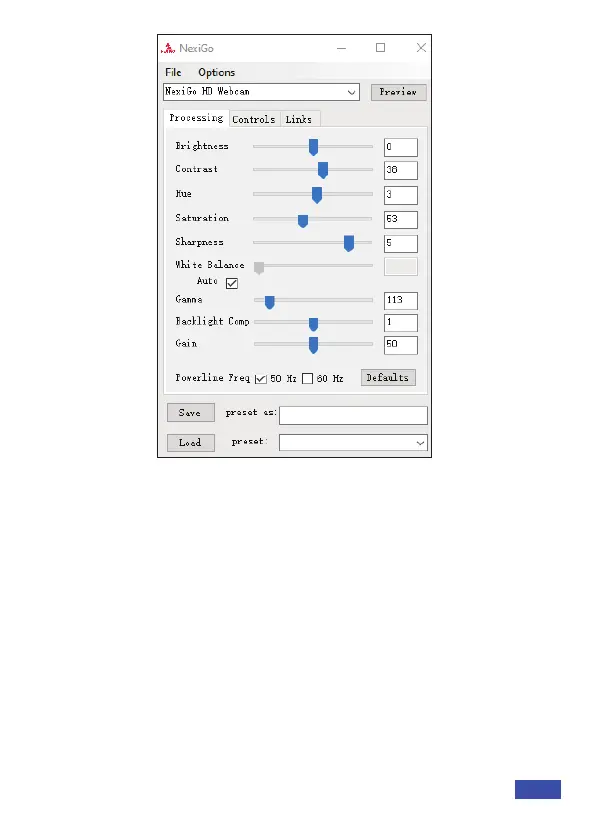
A: There are several reasons this could happen:
1. There is something wrong with the USB port. Please use a
different USB port or another PC and test the camera again.
2. The PC does not recognize the camera device.
3. The operating system and computer configuration do not satisfy
the requirements of the camera. Please check your system
specifications.
4. The video preview feature of the application is not turned on, or
the application has a privacy feature that prohibits access to the
camera. Please try with a different application.
US 01EN 16


 To Next Page