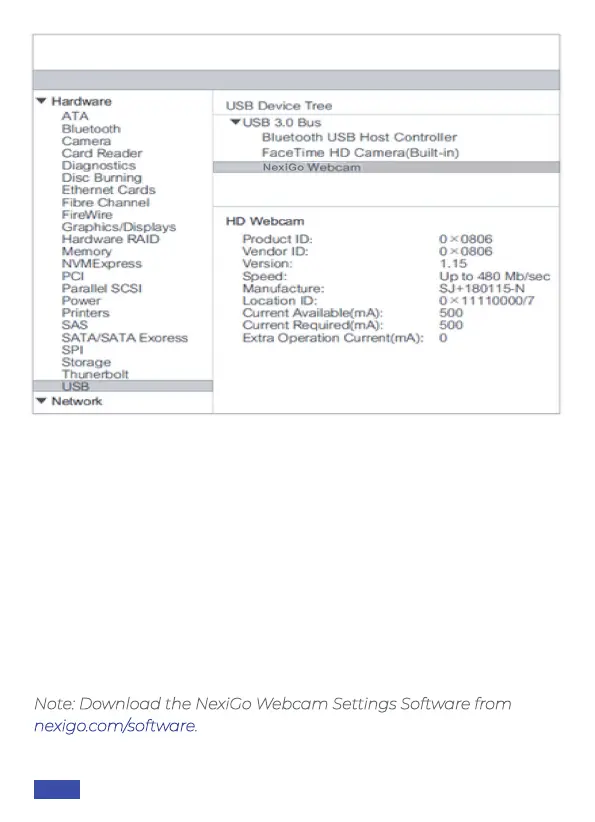
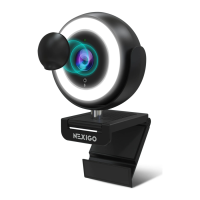
Note: Download the NexiGo Webcam Settings Software from
nexigo.com/software.
Q2: What can I do if the images or videos are an abnormal color?
How to adjust image parameters such as brightness or contrast?
A: Please ensure that the light in your environment is free of unique
tones or intense light sources. Things such as walls / floors / other
large-area non-standard light sources, including areas with colored
or intense light.
In such environments photographed pictures are subjected to
color cast due to the lighting impact of these light sources.
For Windows & Mac:
Using the NexiGo Webcam Settings Software, you can adjust the
image parameter you want according to your needs.
US 01EN 15


 To Next Page