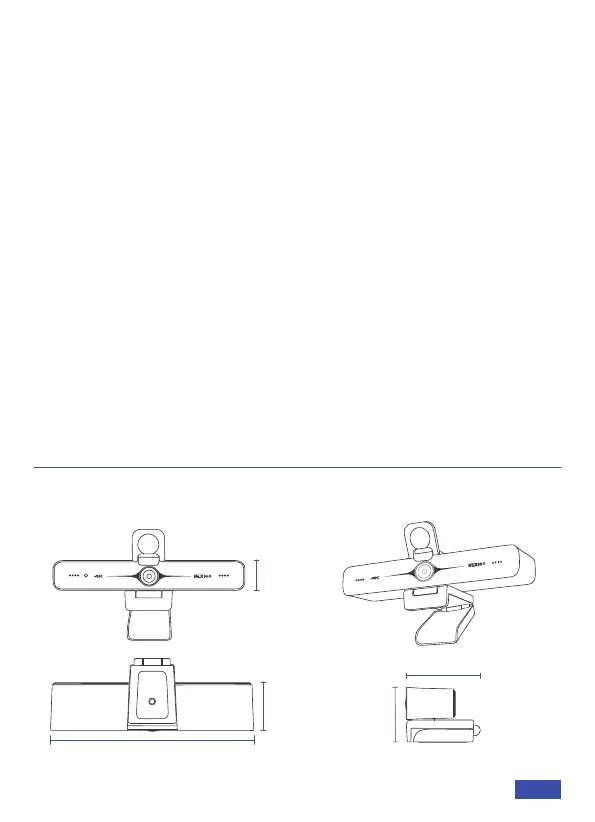
PRODUCT OVERVIEW
DIMENSION
Windows Setup
CONNECT THE WEBCAM TO YOUR COMPUTER
1) Go to Settings > Privacy > Camera and turn on "Let apps use my
camera".
2) Select the apps on the list where you want the camera to be used.
When the app is open, ensure that you have selected the NexiGo
N970P 4K Webcam as the active camera and microphone from the
list of available options.
macOS
1) Go to the Apple menu > System Preferences > Security & Privacy,
select the Privacy tab. Select Camera from the list of options on the
left side of the page.
2) Locate the apps you want to enable camera access for. Click the
box next to the app's name to enable camera access for that
application.
6.89 in
1.65 in
1.1 in
2.76 in
1.77 in
US 01EN 04



 To Next Page