EasyManua.ls Logo

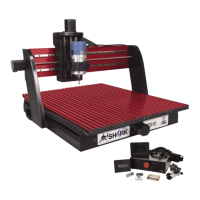
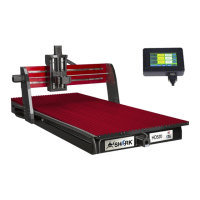
Next Wave CNC SHARK HD520 - User Manual

Default Icon
64 pages
Print Icon
To Next Page IconTo Next Page
Loading...
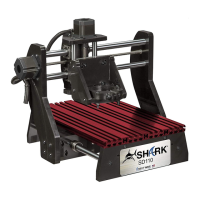
SHARK HD500/510/520
User’s Manual
®

Other manuals for Next Wave CNC SHARK HD520

Question and Answer IconNeed help?

Do you have a question about the Next Wave CNC SHARK HD520 and is the answer not in the manual?

Summary

Warranty

Technical Support

Safety

Emergency Stop Procedures

Machine Assembly

Initial Assembly Steps

Covers attaching side covers, gantry, and cable carrier.

Registering Your SHARK HD CNC

Installing Vectric VCarve Software

License VCarve Software

Guidance on licensing the VCarve software.

Registering Vectric VCarve Software

Initial License Registration

Completing the initial license registration for VCarve.

Personal Registration and Verification

Steps for personal registration and verifying the license.

Upgrading VCarve to the Most Recent Version

CNC Project Workflow

Design and Prepare Project File

Creating and setting up a new project file in VCarve.

Toolpath Generation and Saving

Creating toolpaths and saving them to a thumb drive.

Machine Setup and Zeroing

Preparing the CNC machine and material, and setting zero points.

Running and Finishing the Project

Executing the cutting file and completing the project.

Maintenance

Next Wave CNC SHARK HD520 Specifications

General IconGeneral
BrandNext Wave CNC
ModelSHARK HD520
CategoryControl Systems
LanguageEnglish

Related product manuals