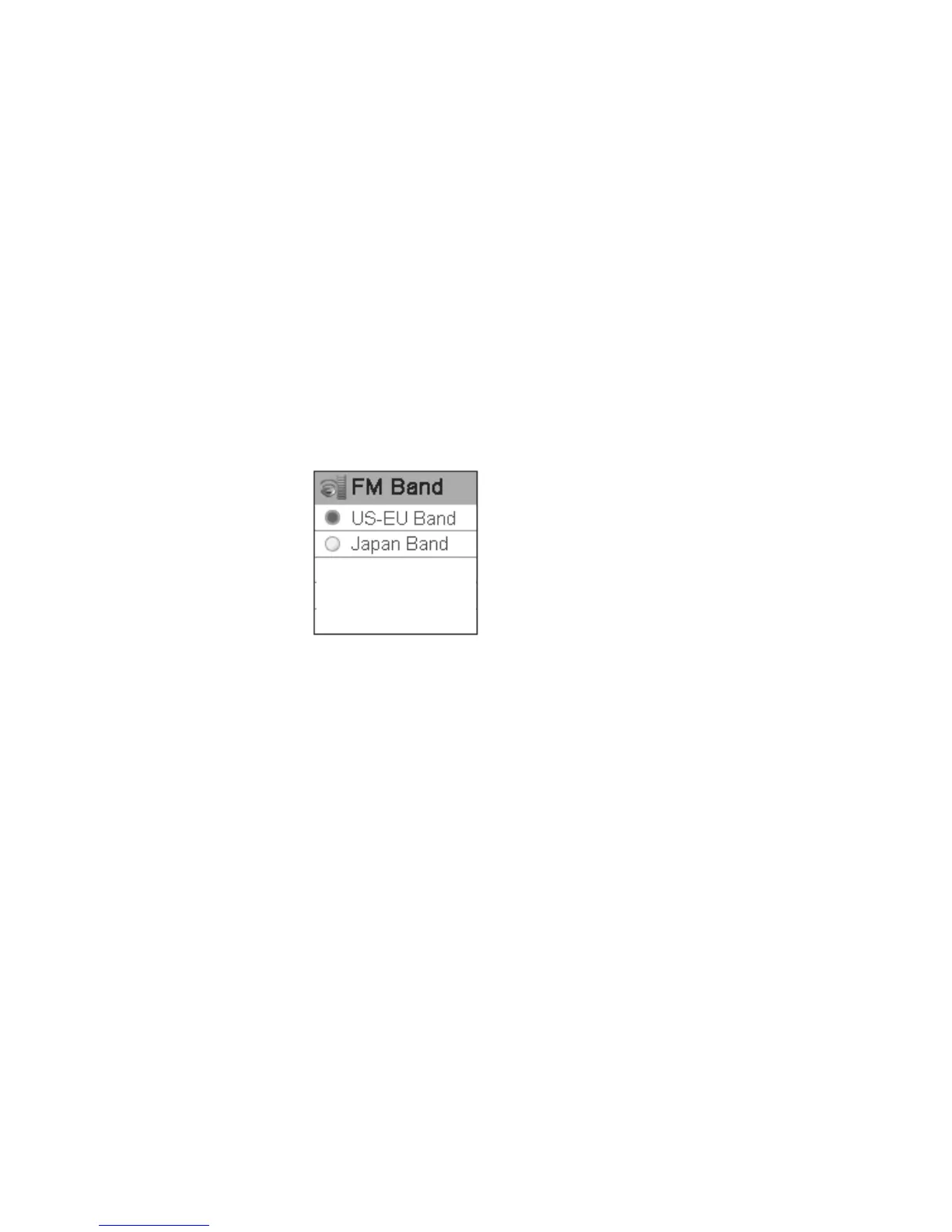
FM band
Press rewind button or fast forward button in FM band setting menu to select FM band and
press play buttonto confirm. Long press play button or press power button to skip
this setting. FM band includes: US-EU band and Japan band.
FM auto scan
Select “YES” to start FM auto scan, while select “NO” to return to the setting menu.
Contrast
Press rewind button or fast forward button in the contrast setting menu to select contrast and
press play button to confirm. Long press play button or press power button to skip
this setting.
33



 To Next Page