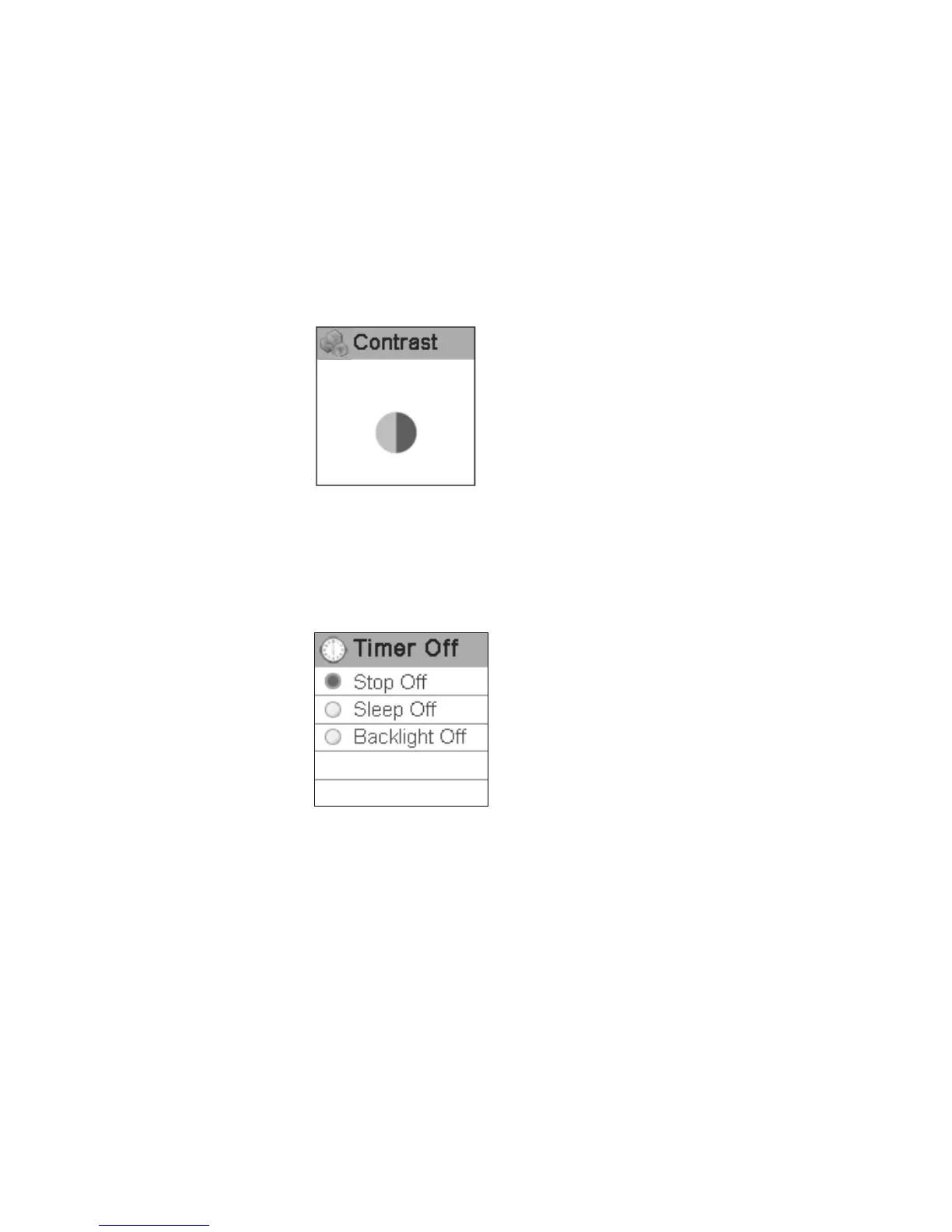
Timer off
Press rewind button or fast forward button in timing off setting menu to select timing off and
press play button to confirm. Long press play button or press power button to skip
this setting. The sub menus of timing off are: stop off, sleep off and backlight off.
(1) Stop off: Disable, 15 SEC, 30 SEC, 1 MIN, 2 MIN, 5 MIN, 10 MIN and 30 MIN.
(2) Sleep off: Disable, 10 MIN, 15 MIN, 30 MIN, 60 MIN, 90 MIN, 2 HR and 3 HR.
(3) Backlight off: 1 MIN, 5 MIN, 10 MIN, 30 MIN, 60 MIN and Always On.
34



 To Next Page