- 10 -
Test Period (Temperature) 10 seconds
Back Light 5 seconds
Power Supply 3V(CR2032)
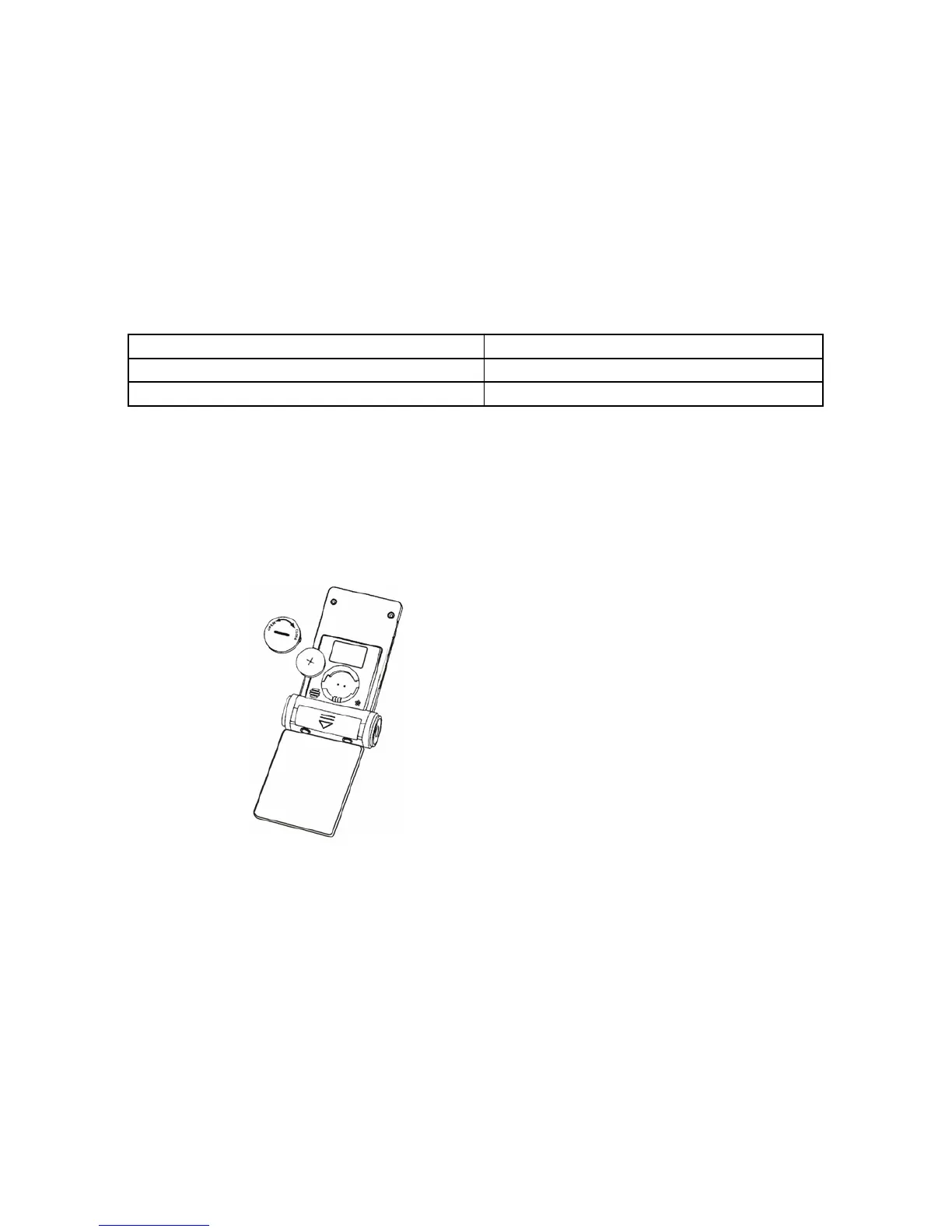
Replace Battery for Thermometer
Your clock and thermometer comes with one CR2032 battery. If it does not work, please take the
following steps to replace the battery.
1. Open the battery cover with a coin.
2. Remove old battery and install the new battery correctly into the compartment.
3. Replace the battery cover.
4. Software installation
Please copy the software to your PC. (Note: this software does not need to install.)



 To Next Page