- 6 -
5) Press
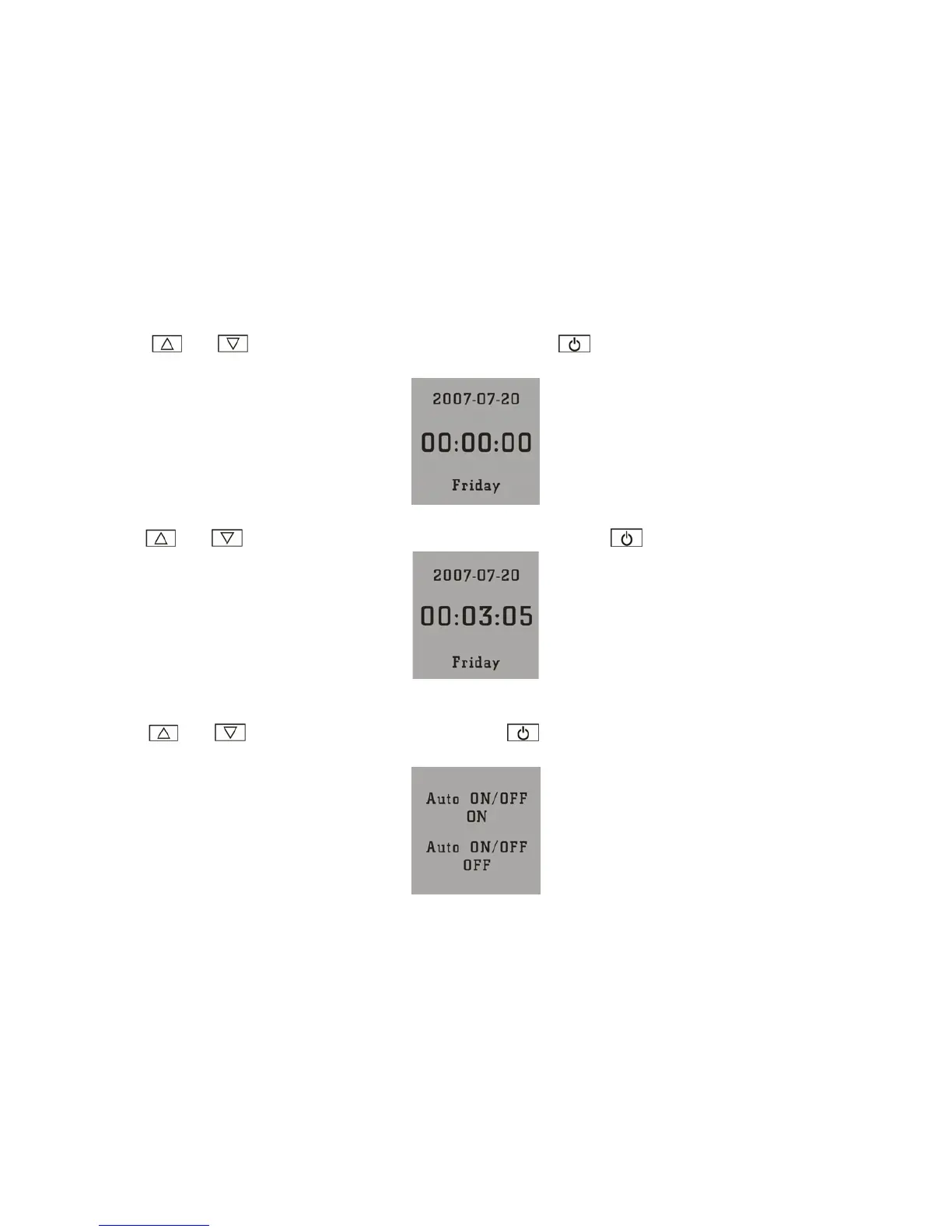
or to select Clock Disp, then press to confirm. The device will enter
into clock setup shown below:
·Press
or to select Disp Clock Normal, then press to confirm:
6) Press
or to Auto ON/OFF, then press , it enters into the Auto ON/OFF setup as
shown below:



 To Next Page