7
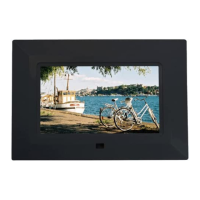
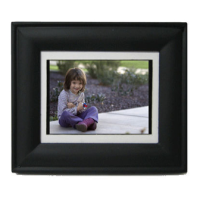
Changing the Front Panel
You can change the front panel of the Digital Photo Frame into one
of the two different colors supplied: Black and Silver.
Attach the Frontal Panel
1. Slide the left fasteners of the Digital Photo Frame into the left slots
of the Front Panel as shown on
①
.
2. Push the right fastener of the Digital
Photo Frame toward the arrow
②
into
the front panel.
3. Then press the position
③
of the
Digital Photo Frame towards the Front
Panel to fix them.
Detach the Frontal Panel
1. Press the right fastener of the
Digital Photo Frame toward the
arrow
①
.
2. Then pull the Digital Photo
Frame out of the Front Panel.
NOTE: Change the Front Panel carefully to avoid damages.


 To Next Page