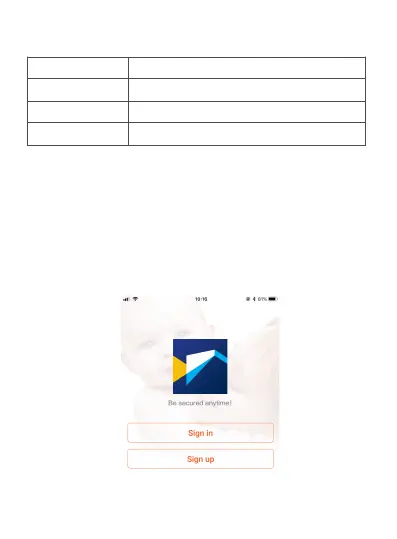
1. After opening the app for the first time, register your
account by clicking ‘sign up’ and enter the email address.
a. Click "Send code", your email will receive a verification
code, enter the code within 30 minutes.
b. Input the password twice, click "Register immediately".
c. Your login information will be saved the next time you
open the app; however, it is recommended that you write
your login information down.
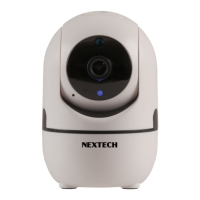
Different LED colors correspond to different
camera status:
Blue
Slow blue flash
Fast blue flash
Solid blue
System start up
Syncing mode
Connecting to Wi-Fi
Camera working properly
2.3 User Account Registration
-4-


 To Next Page