4
PRODUCT INSTALLATION:
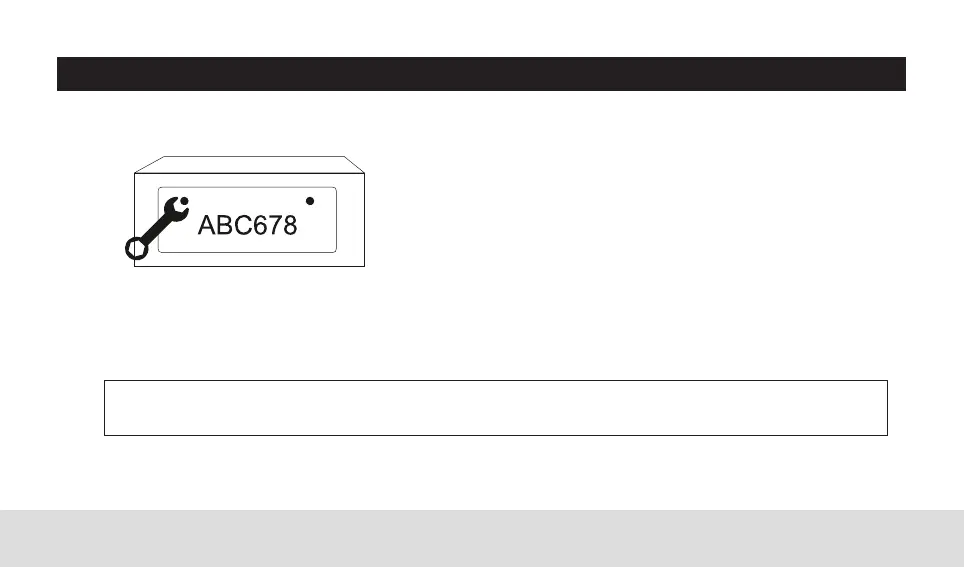
Step 5: Align the mounting hole of the camera bracket with the mounting hole of the license plate, then
assemble the license plate, and then tighten the screws to fix the license plate.
Step 6: Use cable ties to fix the wires. Use cable ties to fix the wires to the rear bracket.
Step 4: Remove the license plate.
NOTE: Due to the differences in technology and design related models, these instructions do not apply
to all models.



 To Next Page