6
OPERATING INSTRUCTIONS:
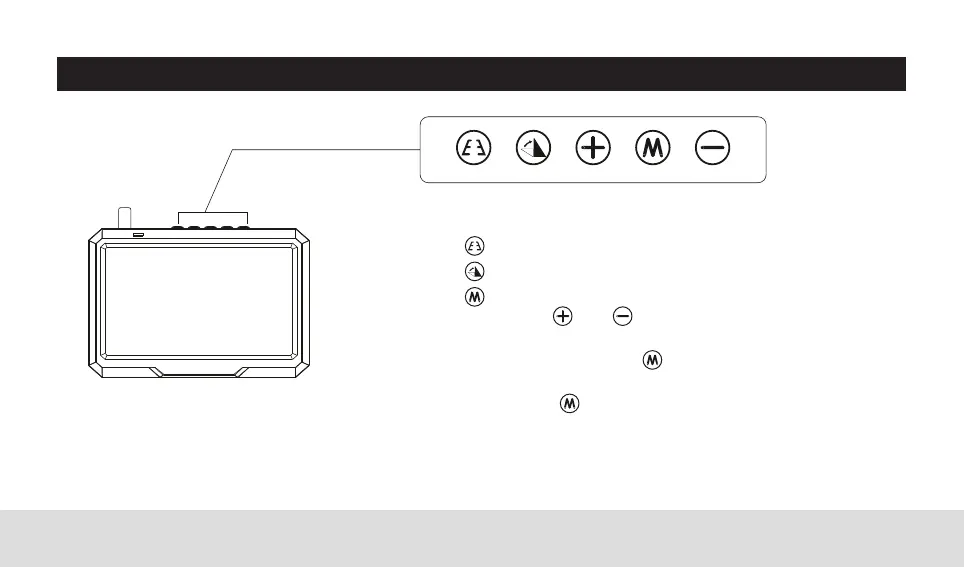
1. MONITOR CONTROL SETTINGS
Reversing guidelines (ON/OFF)
Image display (Normal/Mirror)
Menu Mode (Brightness/Contrast)
Use the and buttons to adjust settings.
The Menu option will disappear after approx.
3 seconds. Press the button to enter next
option or exit.
Hold the button down for approx. 3
seconds to perform code matching with the
backup camera.



 To Next Page