24
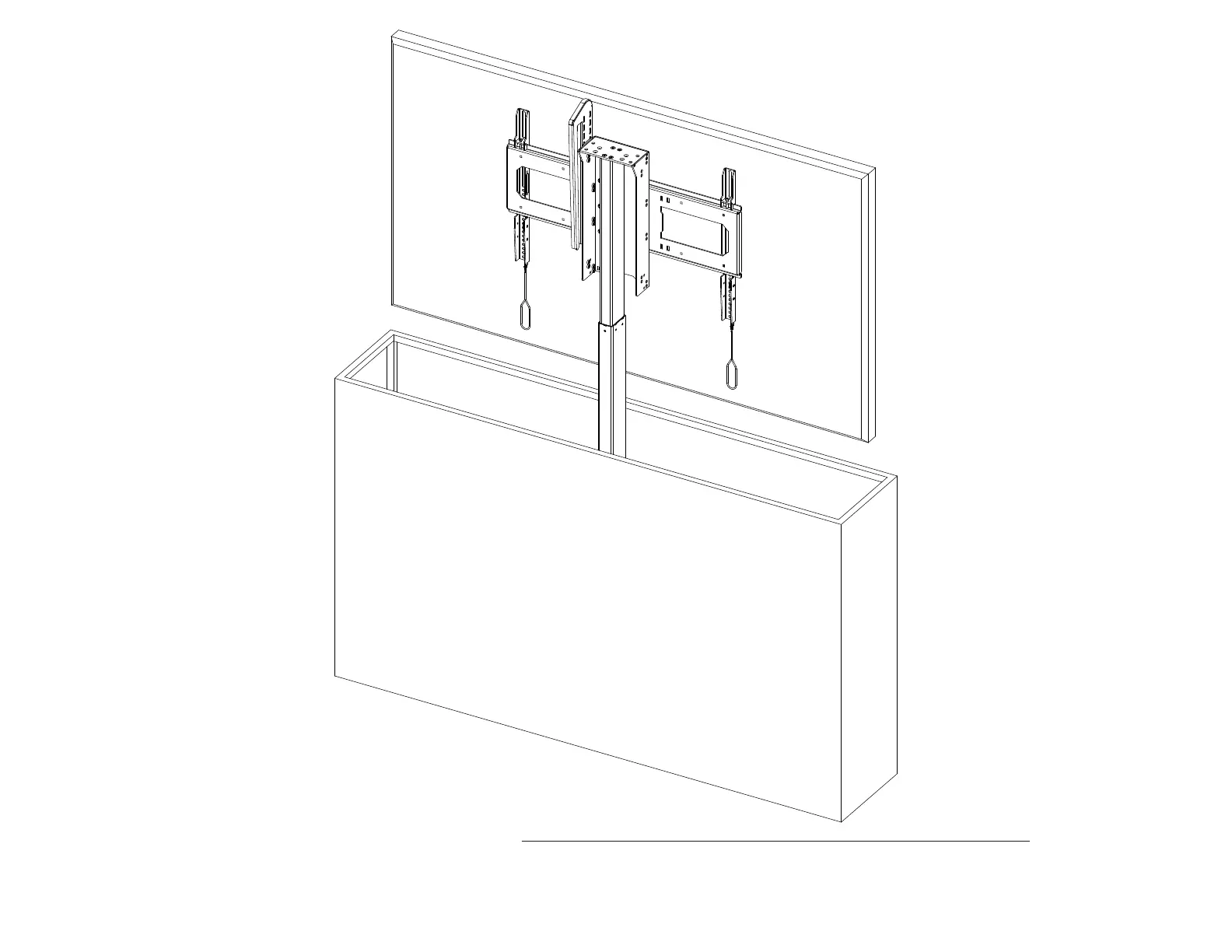
16a. Attach the Vertical Mounting Bars to your TV using the marked holes. If you are using a soundbar, follow the information sheet included with it first.
16b. Hang your TV on the Screen Backplate, ensure the spring-loaded latch on each Vertical Mounting Bar is engaged with the Screen Backplate. Then, press the Down button on
the Wired Backup Switch to lower your lift system.
Note: If needed, the level of the TV can be adjusted by tightening the bolts on the back of each Vertical Mounting Bar



 To Next Page