Document Ref: Nex8inst.doc/Rev0 09.07.00 Page 18 of 30 Originator MC Checked by AC__
At Step 4 within the Engineer’s Menu (see Section 5.3 above), select 0:EXTENDED MENU.
Select 3:PANEL DELAY. This will reveal the following:
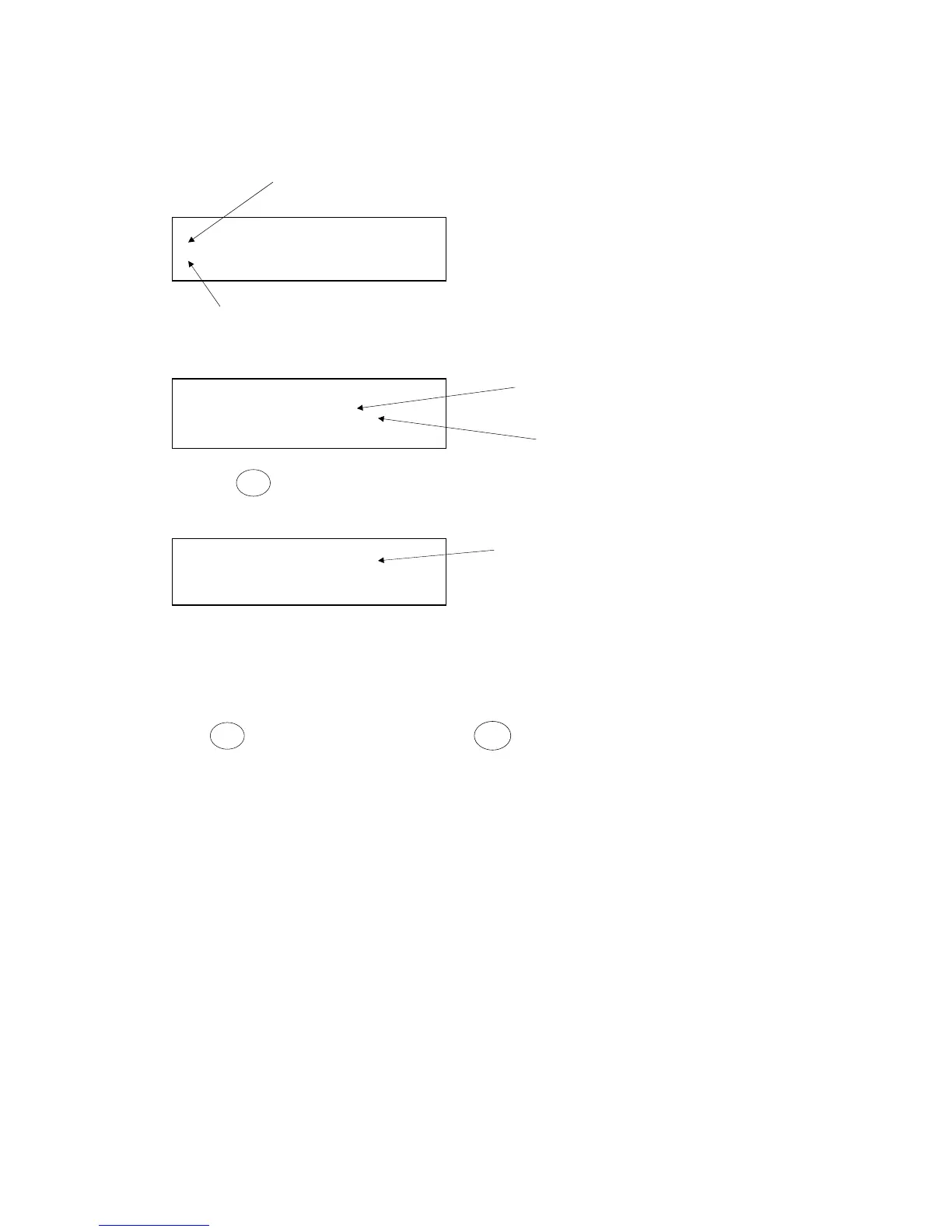
Setting the time period of day or night during which, if a fire condition
occurred, the outputs would be delayed.
* * S E T P A N E L D E L A Y S * *
1 : T I M E O N / O F F
2 : D E L A Y P E R I O D
* N X T P A G E # Q U I T
Setting the output delay time. Press # to set 1 to 10 minutes.
Selecting 1: TIME ON/OFF will reveal the following two sub-menu options:
* * S E T P A N E L D E L A Y S * *
Setting the beginning of the time period
1 : T I M E E N A B L E
2 : T I M E D I S A B L E
# = Q U I T
Setting the end of the time period
Selecting
*
NXT PAGE in the SET PANEL DELAYS main menu, will reveal the
following:
* * S E T P A N E L D E L A Y S * *
Enabling or disabling the panel delay function.
3 : E N / D I S D E L A Y
* N X T P A G E # Q U I T
5.17 Read Memory
At Step 4 within the Engineer’s Menu (see Section 5.3 above), select 0:EXTENDED MENU.
Selecting option 4 will cause the display to show the last 64 events held in the panel’s memory.
Press
*
to scroll through the events. Press
#
to exit to the main menu. The events are
displayed in reverse order i.e. most recent event first.
5.18 Clear Print Queue
At Step 4 within the Engineer’s Menu (see Section 5.3 above), select 0:EXTENDED MENU.
Select option 5 to clear all outstanding reports from the printer queue.
5.19 Programming the Number of Displays ( Repeaters )
Select Option 6: NUMBER OF DISPLAYS
This function is used to view/configure the number of displays connected to the control panel.
Display 01 is the panel’s own display. Displays 02 to 15 must be used for repeater panels.
NOTE: This function tells the main panel how many displays to look for. It must be used in
conjunction with the Nexus repeater panel manual where repeaters are used. Each display



 To Next Page