!Page!1!
Coverage LED:
Adapters are paired when lit
Quick Install Guide
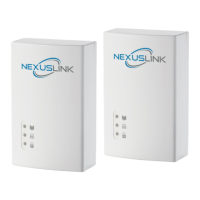
GCA-1200-KIT G.hn Ethernet over Coax Adapter Kit
t
Understanding Your G.hn Coax Adapter
The current connection (line rate) is greater than 20 Mbps.
The current connection (line rate) is greater than 20 Mbps and less
than 40 Mbps.
The current connection (line rate) is between 1 and 20 Mbps.
No LINK connection exists.
The adapter is in power saving mode (blinks twice every 5 seconds).
A LAN connection is established.
A LAN connection is not established.
Data is being transmitted/received.
The adapter is in secure mode.
The adpter is not in secure mode.
Slow: The adapter is pairing.
Fast: The adapter is returning to pairing default settings.
Ethernet LED:
Directly connected device is active
when blinking
Security LED:
Connection is secure when lit

 Need help?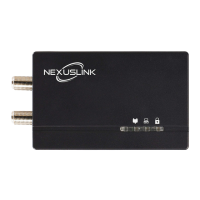

 To Next Page
 General