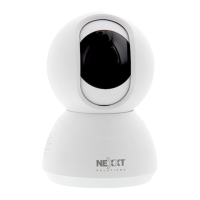
Plug in
Plug in the camera using the provided AC adapter.
After 30 seconds, you will hear a rst tone indicating that
the camera has started correctly.
After another 10 seconds, a second tone will be heard
indicating that the camera is ready to be paired.
If you do not hear the tones, hold down the reset button for
8 seconds to reset the device.
Step 4
The Nexxt Solutions Home App has been successfully
installed.



 To Next Page
 Loading...