Step 3
You must connect to a 2.4GHz WiFi network. Enter your
network password. Make sure you enter the correct
password, otherwise the device will not connect.
Step 4
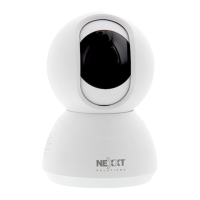
Scan the QR code from your mobile device with the smart
camera. Once you hear the tone, click on the I Heard a
Prompt button.
If you experience any issues, reset the camera. If a
Registered Account added the camera through the app,
then another user will be prevented from setting up that
camera in a dierent account, unless permission is granted
through the Share access option.



 To Next Page
 Loading...