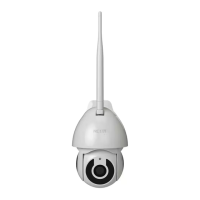
To remove a user on iOS, slide the name to the left. On
Android, press and hold the name of the person you wish
to delete. When the pop-up box comes up, select Delete. A
Notication conrming that you no longer want to share
the device with the selected user will be displayed. Tap on
Conrm to permanently remove the user.
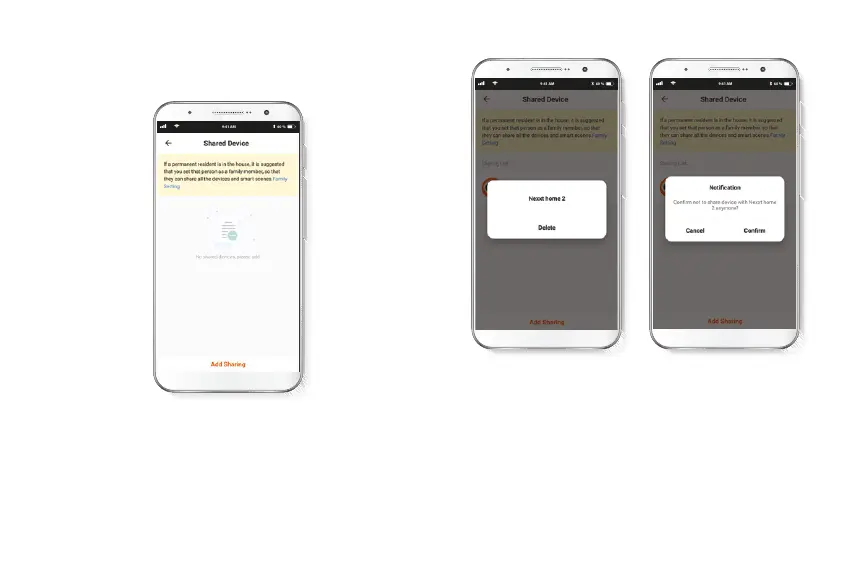
Share device
Additional users will need their own Nexxt Home Account.
Select Add sharing and then enter the e-mail address of
family or friends. Tap on Completed.


 To Next Page