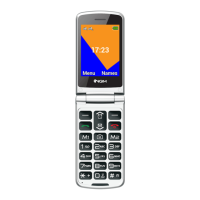
Charging the battery: Charge the battery before starting to use
the device. Connect the charger to a provided wall socket adapter
and then plug the jack into the charging base or insert it directly
into its connector on the lower side of the phone. The charging
base can also be connected to a micro USB cable to charge your
phone. An animation on the screen will indicate the charging is in
progress and the notification LED will start blinking, while a pop-
up will indicate that charging is complete and the device may be
disconnected safely from the grid. When charging is completed,
notification LED will remain ON until the phone is disconnected
from the cable.
Attention: To preserve the functionality of the product and the integrity of the warranty, we
recommend the use of original NGM chargers. Please charge the battery indoors, in a dry
and favorable environment. It is normal for the battery to get slightly warm during the
charging process. The battery will reach its full capacity when cycled several times.


 To Next Page
 Loading...