Main Menu
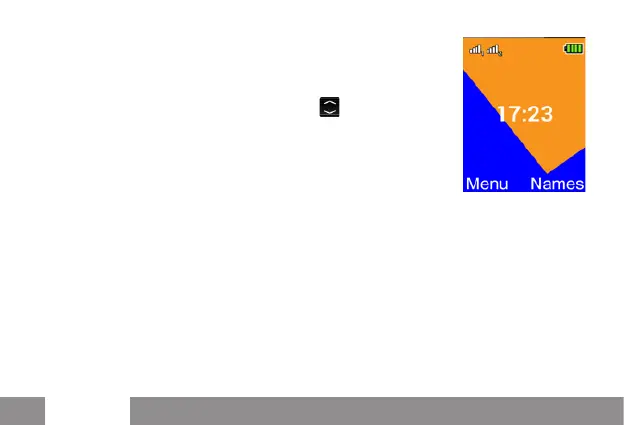
To access the Main menu, press the left
selection key. Scroll through the items in the
menu with the up and down keys .
- Messaging to write and read SMS text messages
- Phonebook to manage and save contacts
- Call logs: Edit call log
- Multimedia: camera, gallery, videocamera, video player, audio
recorder, radio
- Tools: with Alarm, Calendar, To Do and Calculator
- File Manager : to manage files
- Settings: to personalize your phone (Profiles, Dual SIM..)
- SOS: to enable and customize the SOS function


 To Next Page