FM radio: Select Menu > Multimedia > FM Radio. Plug in
earphones to listen to the radio. By selecting Options you have
access to the following functions:
- Channel list to manually browse saved channels
- Manual for the manual search of radio channels
- Auto search to automatic search radio stations
- Settings for the radio playback
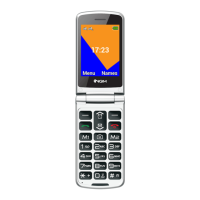
Use Camera key to turn ON/OFF the radio, M1-M2 keys to browse
the stations and UP and DOWN keys to adjust the volume.


 To Next Page