2
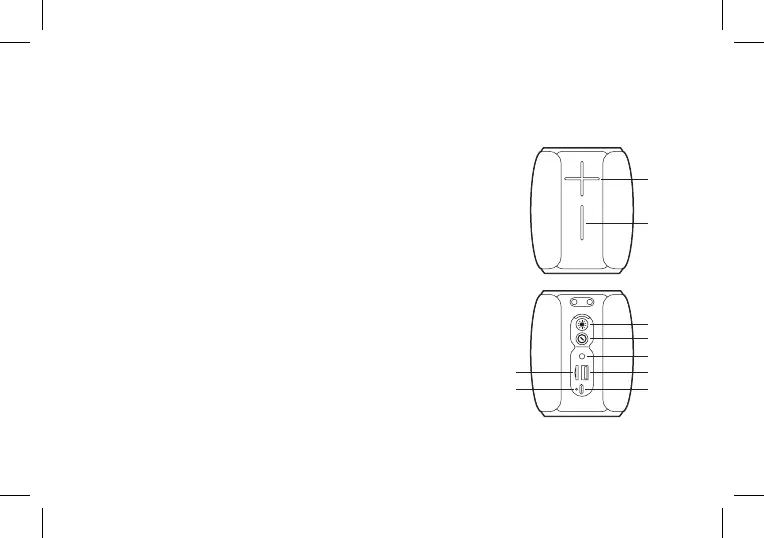
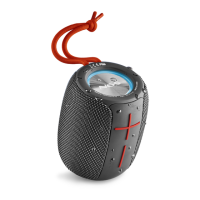
Volume +
Short press: the volume increase / Long press: next song
In FM mode: long press to the next channel
Volume –
Short press: to reduce the volume / Long press: previous song
In FM mode: long press to the previous channel
Light button
Click to switch the light / Double-click: switch function /
Three-click: TWS exit in TWS
Long press: exit wireless connect under the wireless mode
In FM mode: long press to search the programm
Power button
Short press: Play/pause / Long press: turn on/o about 3 seconds
In FM mode: Short press to mute
AUX interface
USB interface
When inserted into the U disk, the default U disk playback
Type-C interface charging port
TF card interface
When inserted TF card default TF card playback
Indicator light
1
2
3
4
5
6
7
8
9
CONTROL BUTTONS
1
2
5
4
3
7
6
8
9


 To Next Page