5
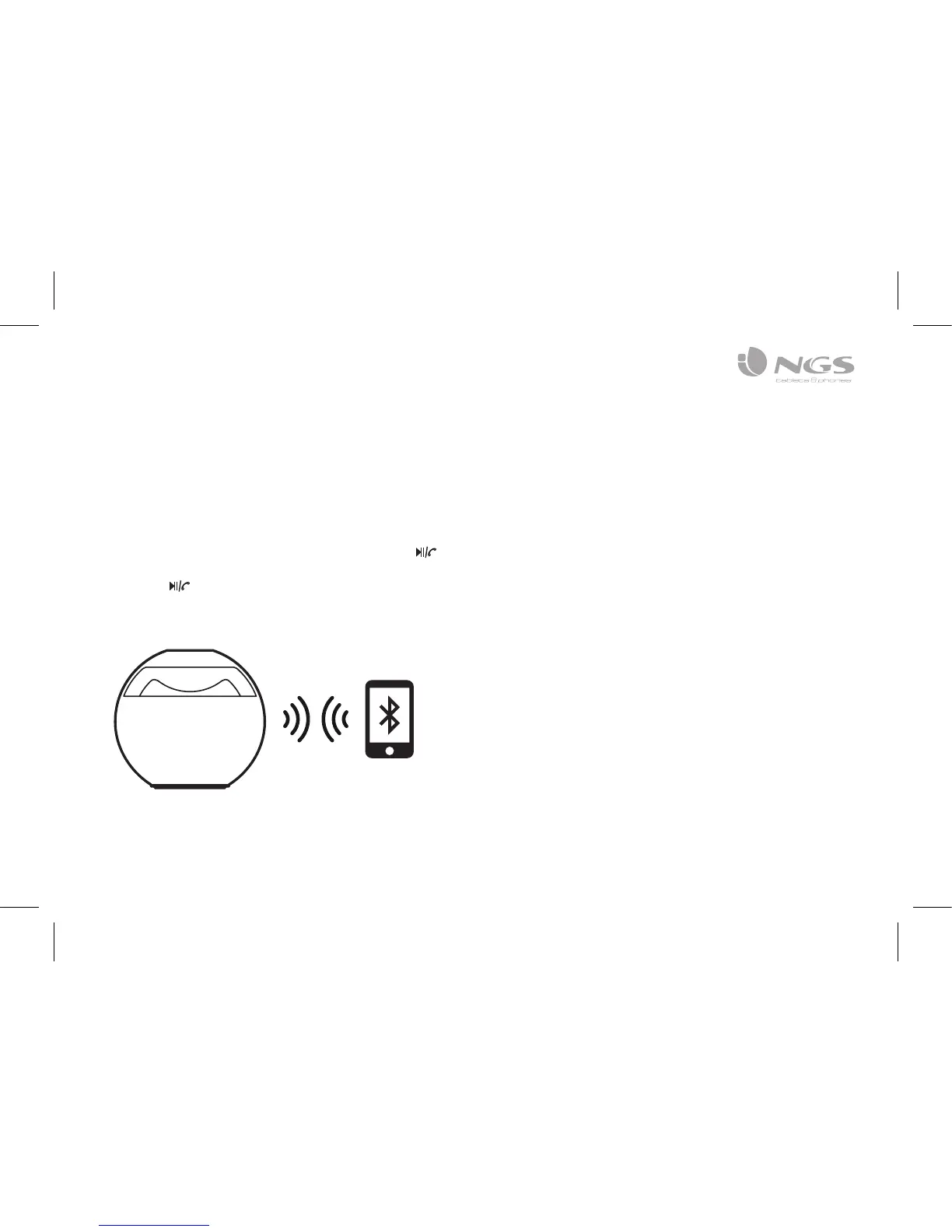
2.Turnonthepowerswitch,indicatorwillbeblue,
it indicates speaker re-connecting the Bluetooth
equipment matched on the last time. Bluetooth
indicator light flash quickly is searching new
Bluetoothequipment,iffailtosearch,press“ ” for
more than two seconds to force matched and then
press“ ” key again to turn on speaker or toggle
power switch once more to re-search the Bluetooth-
Bluetooth search and connect:
3. Turn on Bluetooth equipment to search and connect.
Forrsttimeuse,pleaseenterpassport“0000”(high
versionsmaydonotneedpassport,canconnect
directly).Whenwellconnected,theindicatorlightwill
flash slowly and have indicating sound.


 To Next Page