EasyManua.ls Logo

NGS SPARK V2 - Quick Guide; How to Play and Stop Music; How to Adjust Volume; How to Change Frequency

NGS SPARK V2
50 pages
Print Icon
To Next Page IconTo Next Page
To Previous Page IconTo Previous Page
Loading...
USER’S MANUAL
4
QUICK GUIDE
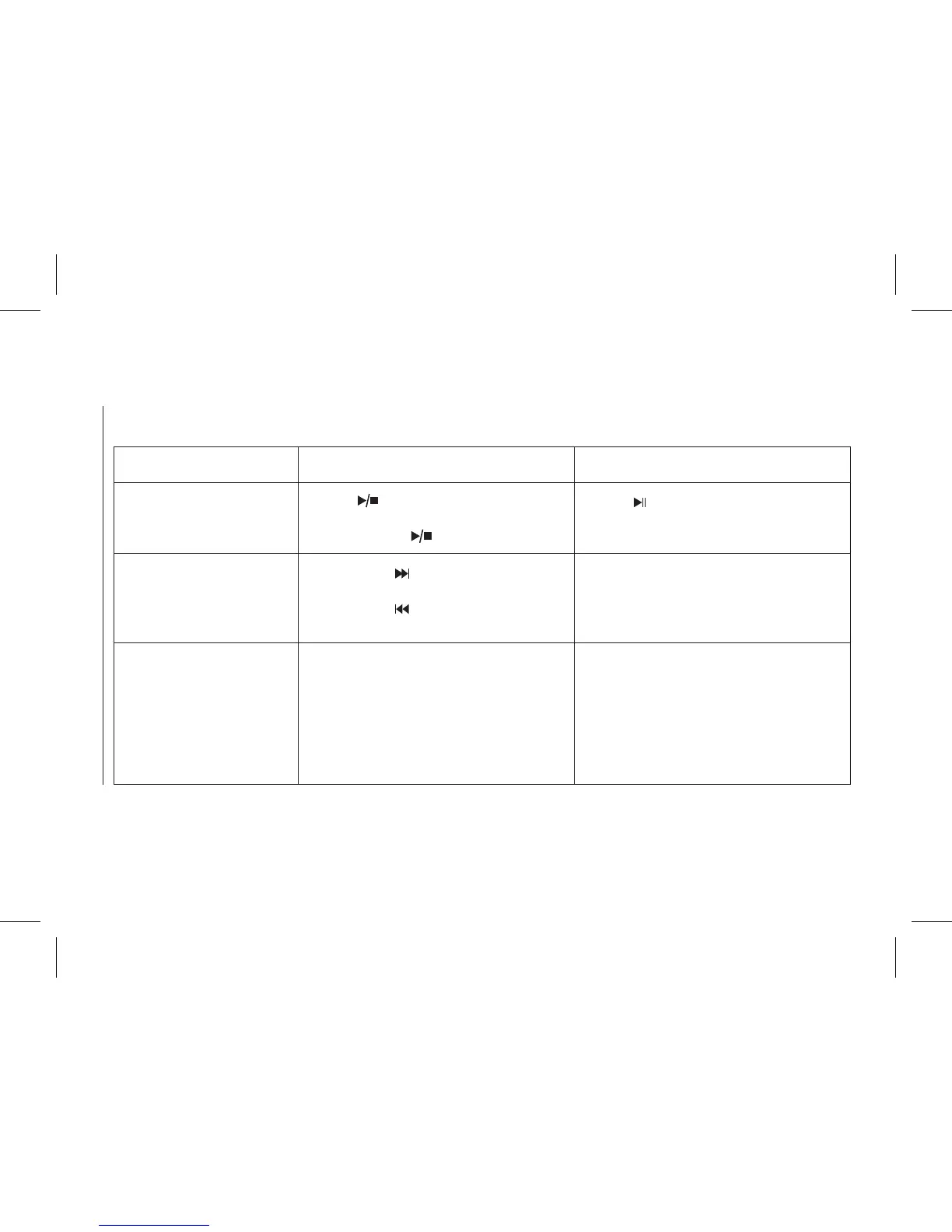
Operation guide FM transmitter Remote controller
1. How to play and stop
the music
Press “ ” button:
Play the music
Second press “ ” button: Stop
Press “ ” button
2. How to adjust the
volume
Long press “ ” button:
Increase the volume
Long press “ ” button:
Decrease the volume
Press “VOL+” button:
Increase the volume
Press “VOL–” button:
Reduce the volume
3. How to change the
frequency
Press “B+”:
Increase the frequency
Press “A–”:
Decrease the frequency
Press “CH+” button:
Increase 0.1MHz
Press “CH–”:
Reduce 0.1MHz
Or press the number of the
frequency what you desired and then
press “CH” to conrm