5
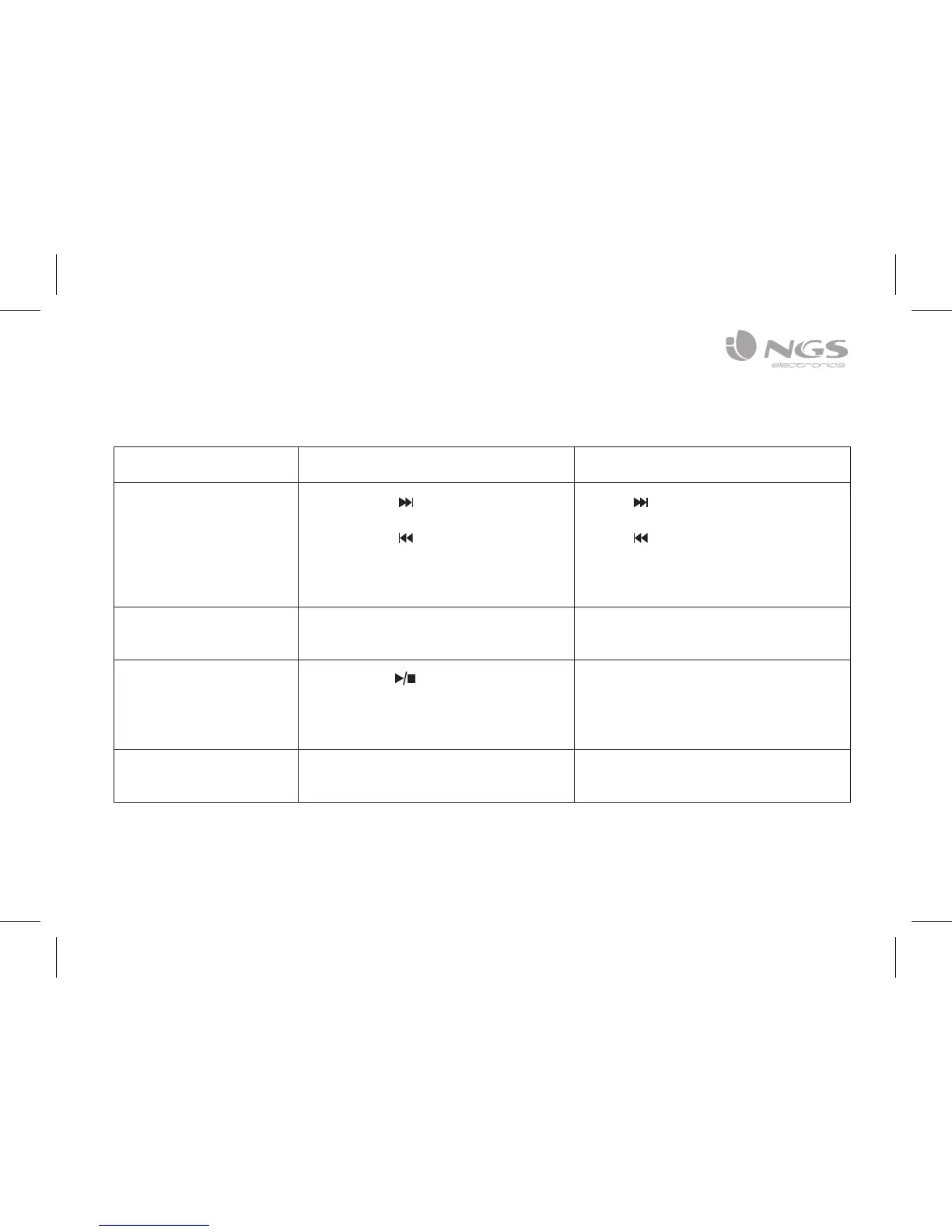
Operation guide FM transmitter Remote controller
4. How to choose music Short press “ ” button:
Play the next song
Short press “ ” button:
Play the previous song
Press “ ” button:
Play the next song
Press “ ” button:
Play the previous song
Or press the serial number of the
song directly
5. How to set EQ Cannot be controlled by the
transmitter, only from the remote
Press “EQ” button to switch your
favorite EQ
6. How to change loop
mode
Long press “ ” button:
Four loop modes optional
Folder (FOL) / Single (ONE) / Random
(RAN) / All (ALL)
Cannot be controlled by the remote,
only from the transmitter
7. How to switch folder Cannot be controlled by the
transmitter, only from the remote
Press “Folder+” or “Folder–”



 To Next Page