15
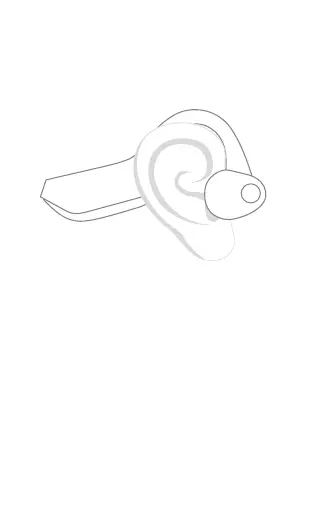
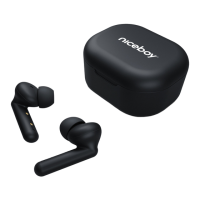
WEARING THE HEADPHONES PROPERLY
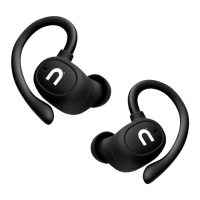
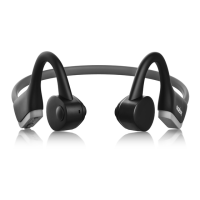
Putontheheadphonesaccordingtothepictu-
re,sinceincorrectusecan
resultinpoorqualityofplayback
CONNECTING TO BLUETOOTH
1. ToconnecttoaBluetoothdeviceforthe
rsttime,pressandholdthepowerkey(4);
theheadphoneswillturnon(anacoustic
promptwillannouncethis)andautomati-
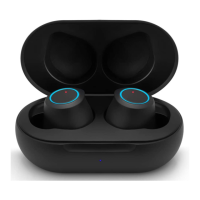
callyenterthepairingmode,whiletheLED
indicator(6)willstartashingred-blue.
2. NowopentheBluetoothsettingsofyour
deviceandselect„NiceboyHIVEBones2“
fromtheavailabledevices.
3. Theheadphoneswillnowconnecttothe
device.Successfulpairingisindicatedby
anacousticpromptandanLEDindicator
(6)willstartashingblue.



 To Next Page