11
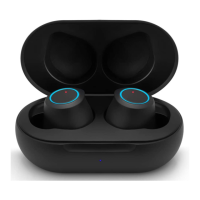
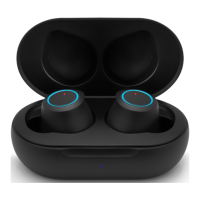
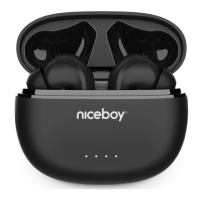
3. The earphones will power on and pair together. The earphones
are prepared for connecting to Bluetooth after the LED diode (1)
begins to ash both blue and red.
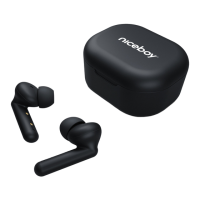
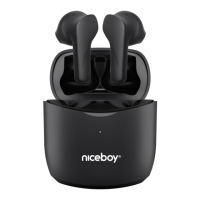
4. Open the Bluetooth settings on your device and nd the “Niceboy
HIVE drops” option from the list of available devices.
5. Successful pairing is announced by an acoustic signal and the LED
diode (1) will ash blue at longer intervals.
Removing the earphones from their charging box is all it takes to
connect the earphones again at a later time. The earphones will
automatically power on and connect to your device.
POWERING ON AND OFF
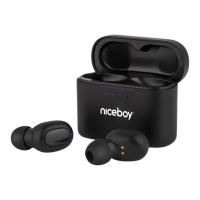
Just take the earphones out of their charging box to power them on,
or manually power on the earphones by pressing and holding both
multifunctional buttons. Then, place the earphones back in their
charging box to power them o. They will power o and disconnect
from your device on their own. You will know the earphones have
been placed back in their box correctly when the LED diode (1)
shines red. The diode will stop shining once the earphones have
reached a 100% charge. You may also power o the earphones by
pressing and holding both multifunctional buttons (2) for about 5
seconds.



 To Next Page