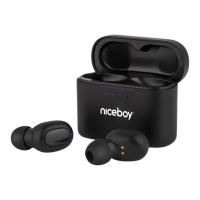
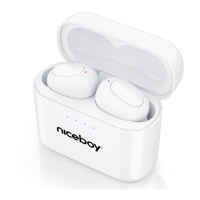
Charging box
Backup earphone attachment
USB-C cable
Manual
PRODUCT DESCRIPTION
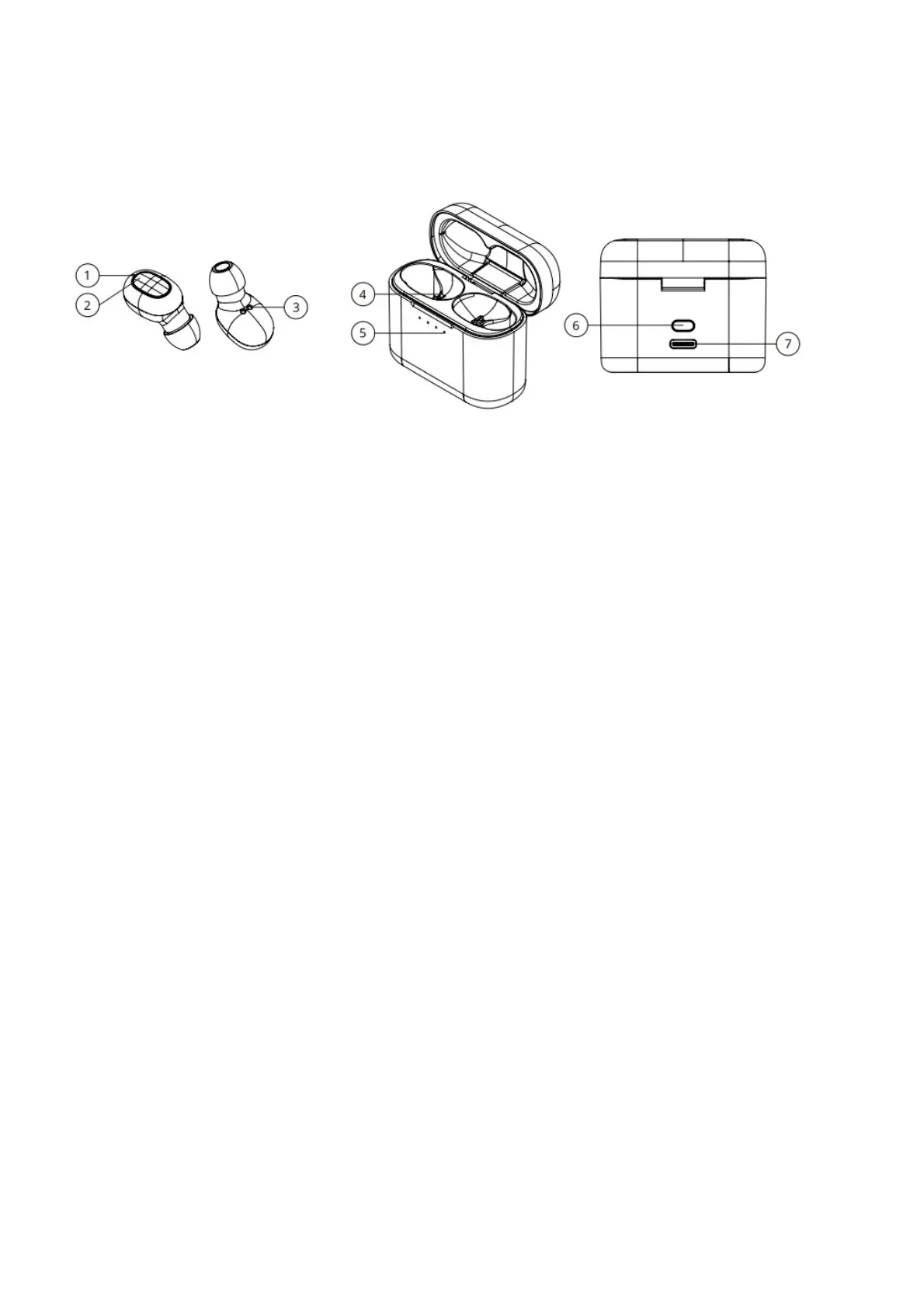
1. LED diode
2. Multifunctional button
3. Charger input
4. Charger output
5. LED charging indicator
6. Button signaling the state of the battery
7. Charging USB-C port
INITIAL START-UP AND PAIRING
1. Take both headphones out of the charging box and take off the labels protecting the charging pins (3) on the
headphones.
2. Power on the headphones with one long press of the multifunctional button (2) on both headphones.
3. The headphones will power on and pair together. After the LED diode (1) begins to flash both blue and red, the
headphones are prepared to connect to Bluetooth.
4. Open the Bluetooth settings on your own device and search for “Nice boy HIVE pods” on the list of available
devices.
5. Once the pairing is successful it will be announced by an audible queue and the LED diode (1) will stop shining.
Just take the headphones out of the box to connect them again to a previously connected device. The headphones
will automatically power on and connect to the device.
POWERING ON AND OFF:
Just take the headphones out of their charging box to power them on or manually power on the headphones by long-
pressing both multifunctional buttons (2).
To power the headphones off, just place them back in their charging box. They will power off themselves and
disconnect from your device. The diode (1) will shine red once the headphones have been correctly stored in their box.
The diode will stop shining when the headphones have charged 100%. You can also power off the headphones by long-
pressing both multifunctional buttons for about 10 seconds.
MULTIFUNCTIONAL BUTTON – BASIC CONTROLS
One press of any button – playback/pause, accept/end call
Press the right button twice – decrease the volume by 1
Press the left button twice – increase the volume by 1
Long press the right button – next track, reject the call
Long press the left button – last track, reject call
CHARGING:



 To Next Page