12
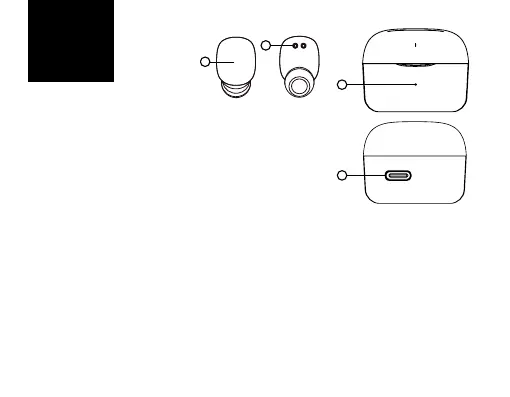
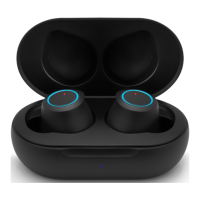
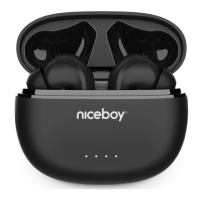
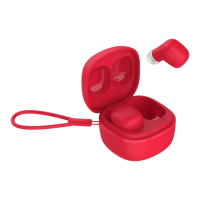
PRODUCT DESCRIPTION
1. Multi-functionbutton
2. Chargingpins
3. LEDchargingindicator
4. USB-Cchargingport
FIRST START-UP AND PAIRING
1. Removebothearphonesfromthechargingboxandremo-
vethestickersprotectingtheearphones‘chargingpins(2).
2. Placebothearphonesinthechargingboxandletthemcharge.Duringcharging,the
LEDindicator(3)lightsup,afterfullcharging,thelightgoesout.
3. Removetheheadphonesfromthebox.Theyturnthemselvesonandpairwitheachother.
4. NowtheheadphonesarereadytoconnecttotheBluetoothdevice.
5. OpenBluetoothsettingsonyourdeviceandintheavailablelistsearchfor“Niceboy
HIVESmarties”onyourdevice.
6. Successfulpairingwillbeannouncedbyanacousticprompt.
ON AND OFF
Toturntheheadphoneson,justremovetheheadphonesfromthechargingbox,or
youcanmanuallyturnontheheadphonesbylongpressingbothmultifunctionbuttons
buttons(1).Toturntheheadphoneso,justputtheheadphonesinthechargingbox.
EN
2
1
3
4



 To Next Page