24
device is found, just add it to the app.
4. New device will be visible in Niceboy ION ORBIS Bridge
and also on the page „Home“.
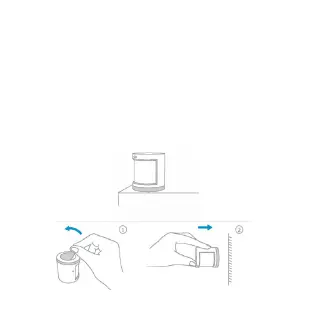
INSTALLATION
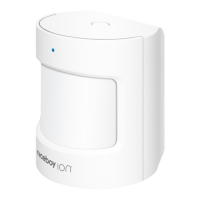
1. Option 1: Place the Motion Sensor where you need it.
2. Option 2: Remove the protective lm (the sticker is in
the box), and stick it to the desired position.


 To Next Page