8
EN
PACKAGE CONTENTS
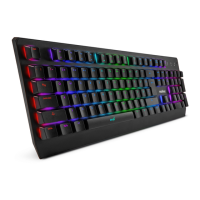
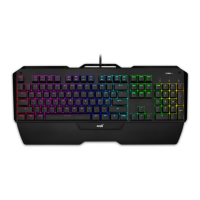
Keyboard Niceboy ORYX K600
Manual
CONNECTION
After unpacking the keyboard connect via the USB connector into your computer. If the
keyboard is not recognized, check that your USB drivers are up-to-date (check with the ma-
nufacturer of your PC/Notebook PC). For aditional functions (such as change of backlight
color or macro functions) we advise you to download a software Niceboy ORYX K600 which
is available on web page https://niceboy.cz/eng/podpora/downloads.
BACKLIGHT SETTINGS
FN + = Increase brightness
FN + = Decrease brightness
FN + DEL = Backlight color change
FN + = Decrease speed of flashing
FN + = Increase speed of flashing
FN + PRT = Backlight on
FN + ESC = Backlight off
FN + INS = Backlight modes


 To Next Page