6
EN
PACKAGE CONTENTS
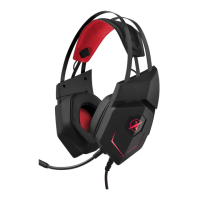
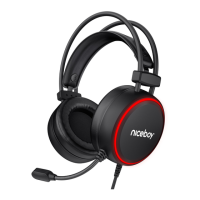
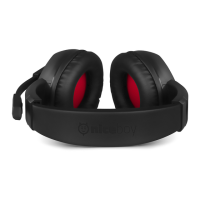
Headphones Niceboy ORYX X300
Manual
CONNECTION
Plug the headset into your computer via the 3.5mm jack and USB
connector and switch to the standard 3.5 mm jack input. For the rst
use its necessary to increase the volume on the headset structure.
ADDITIONAL INFORMATION
Avoid using the headphones on places exposed to too low or hightem-
perature (0 °C and more/ 45 °C and more) or humidity (20 % and less/
90 % and more). Avoid storing the headphones on places exposed to
too low or hightemperature (-20 °C and more/ 60 °C and more) or
humidity (90 % and more). Keep the product away from rain, moisture,
or liquids. This product meets all the main requirements imposed on it
by the EU Directive.






 To Next Page