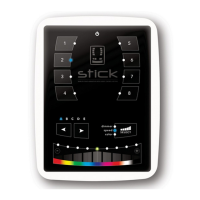
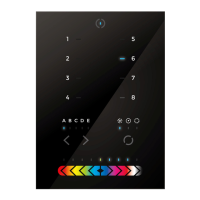
Need help?
Do you have a question about the Nicolaudie STICK-DE3 and is the answer not in the manual?
Connect power supply and DMX cables to the controller interface.
Attach the back plate to the wall and connect cables before mounting.
Details on connecting DMX and power via connector block or RJ45.
Pin configurations for the 2x10 pins extension socket.
Start scenes using input ports by establishing contact closure.
Control scenes via RS232 communication using specific byte commands.
Use a relay to turn off other equipment when the controller is in standby.
Connect a 36kHz IR receiver to control the unit remotely.
Control lighting remotely via a local network using WiFi.
Trigger the controller via TCP/UDP packets over a network.
Control the device using dedicated apps on smartphones and tablets.
Program the controller using PC, Mac, tablet, or smartphone software.
Mix up to 3 custom colors for precise color temperature adjustments.
Access and manage device settings via the on-screen menu.
Manage on/off button and modes (dimmer, speed, color, scene).
Configure which modes are controlled by the arrow buttons.
Configure which modes are controlled by the palette wheel.
Manage scene behavior, fading, and saving overrides.
Set default startup scene, display, and trigger behavior.
Enable and manage external triggering sources like clock or ports.
Configure network connection, IP address, and time synchronization.
Diagnose issues based on flickering or non-responsive LEDs.
Resolve problems related to SD card detection or showfile loading.
Troubleshoot connection issues between the controller and a computer.
Diagnose why connected lighting fixtures are not reacting.
 General
| Brand | Nicolaudie |
|---|---|
| Model | STICK-DE3 |
| Category | Keypad |
| Language | English |

 To Next Page