6
Operating Instructions
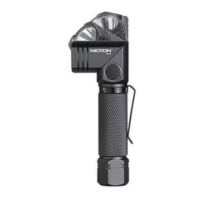
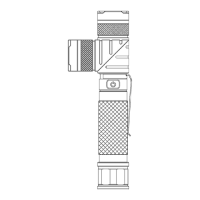
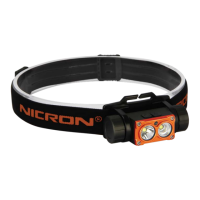
• Spotlight function: Press and hold 1.2s the switch A to turn on and turn off, four
normal modes: Super Bright- High- Middle- Low;
• Floodlight function: Press and hold 1.2s the switch B to turn on and turn off, four
normal modes: Super Bright- High- Middle- Low;
• Red and red strobe modes: Press the switch B of the floodlight to activated red-
red strobe- Turn off;
• Silmutaneous use as below:
a. Spotlight + Floodlight
b. Spotlight + Redlight
• Memory function: long press the switch at any mode to turn off, it will bet he
previous mode if turn on again.
• Long press the switch for 10s, the max mode and the low mode will be reversed.
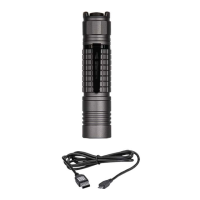
• Charging: Type-C charging, the button indicator will show red when charging,
turns to green when full;
• Battery Volume check: Press switch A lightly, according to the number of white
light flashes to know the battery volume.
White Light
flashing (times)
• Low battery reminder function
During working, the lamp will blink base on the low battery level.
Discharge low battery reminder: 1) white light will flash 3 times 2 minutes before
the light turns off, 2) will flash 3 times again after 30 seconds, 3) will flash 3 times
after 30 seconds, and then turns off.
After closing, it can be lit again, and then repeat the above reminding process. When i tis
lower than 2.9V, it will be turned off directly after lighting.
(flash will happen on the working spot light modes or flood light modes).


 To Next Page