Working Online
42-02-7223 C1 8-17
8
iControl DC
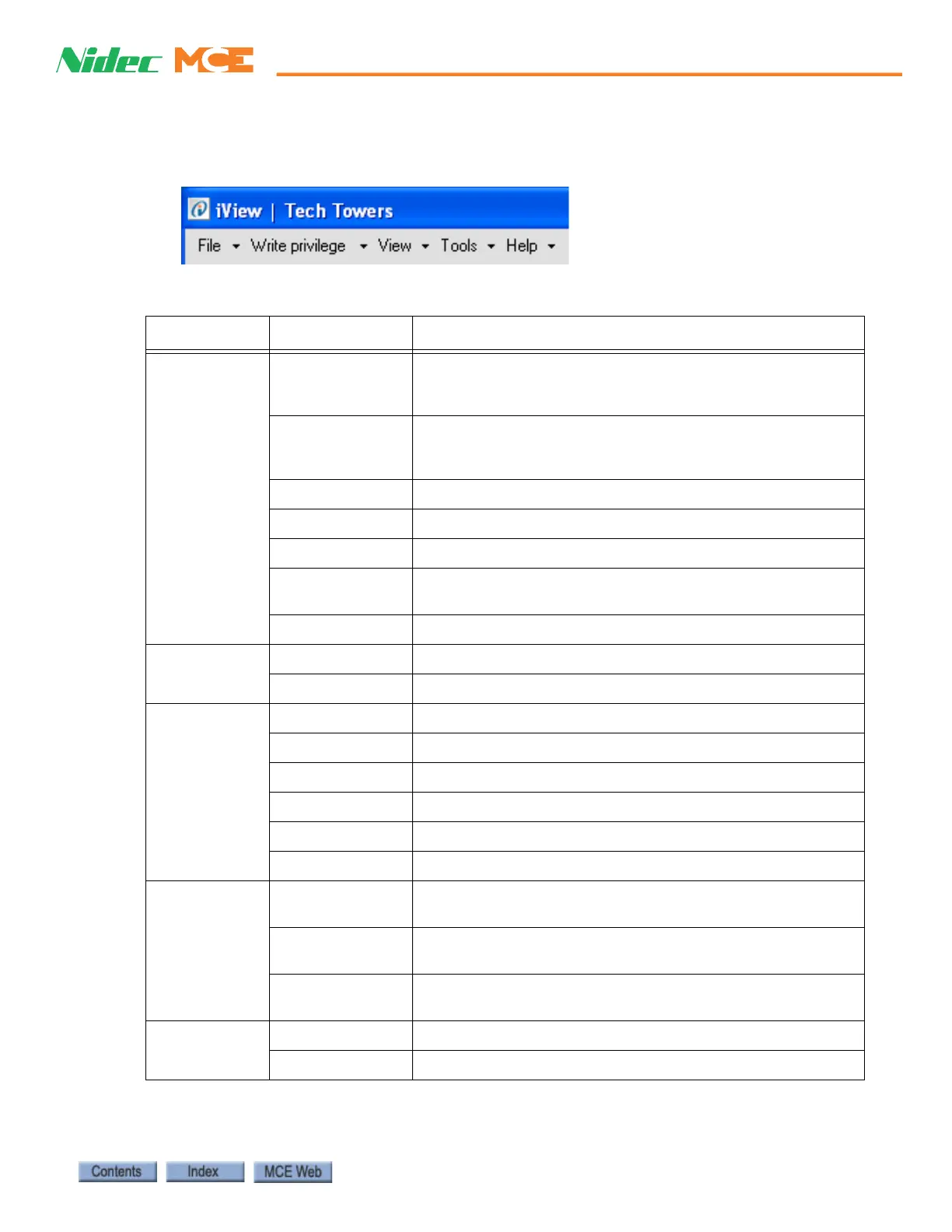
iView Menu Bar
Table 8.2 lists the description and location where the menu bar options are explained.
Table 8.2 iView Menu Bar Options
Menu Option Description
File Connection Create a new direct connection (page 8-7) or LAN connection
(page 8-12). Open, close, edit or delete an existing connec-
tion (page 8-14).
Configuration Save default parameters (page 8-20) or current parameters
(page 8-21) to a configurations file. Load parameters from a
configuration file (page 8-22).
Data Trap
Event Log View the controller’s event log.
Firmware Update Update the controller’s firmware files (page 8-41).
Upgrade Options Allow an old version of iView to connect and make upgrade
(page 8-43).
Exit Close the iView application.
Write Privilege Acquire Send adjustments to the controller (page 8-17).
Relinquish Relinquish write privilege.
View Configuration Please refer to “Controller - View Menu” on page 8-26.
Diagnostics Please refer to “Controller - View Menu” on page 8-26.
Setup Please refer to “Controller - View Menu” on page 8-26.
Hoistway Please refer to “Controller - View Menu” on page 8-26.
Safety Tests Please refer to “Controller - View Menu” on page 8-26.
Layouts Please refer to “Controller - View Menu” on page 8-26.
Tools FTP File Viewer Use under direction of MCE Tech Support to copy, save or
replace controller firmware files (page 8-44).
Boot parameter
recovery
Use under direction of MCE Tech Support if the controller is
unable to boot-up (page 8-49).
SC-ION Board
Configuration
SC-ION Board Inputs and Outputs.
Help iView Help View the on-line help for the iView application (page 8-24).
About iView iView and controller firmware version numbers.



 To Next Page