Need help?
Do you have a question about the Night Owl WNIP-2LTA-BS-U and is the answer not in the manual?
Guides users through the initial setup process when connecting the NVR to the internet.
Provides instructions for setting up the NVR without an internet connection.
Displays the live video feed from all connected cameras and explains status icons.
Describes the interface and controls for searching and viewing recorded video footage.
Explains how to format USB drives and HDDs for use with the NVR, covering Windows and Mac OS.
Details the process of backing up recorded video data onto external storage devices.
 General
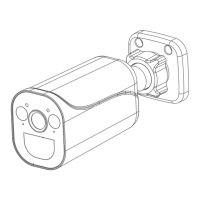
| Camera Type | Bullet |
|---|---|
| Resolution | 1080p |
| Field of View/Viewing Angle | 100° |
| Night Vision | Yes, up to 100 ft |
| Wireless Technology | Wi-Fi |
| Motion Detection | Yes |
| Lens | 2.8mm |
| Connectivity | Wi-Fi |
| Audio | Two-way audio |
| Indoor/Outdoor | Indoor |
| Power Source | Plug-in Power Adapter |
| Power | 12V DC |


 To Next Page