EasyManua.ls Logo

Night Owl WNVR-20B-81 - User Manual

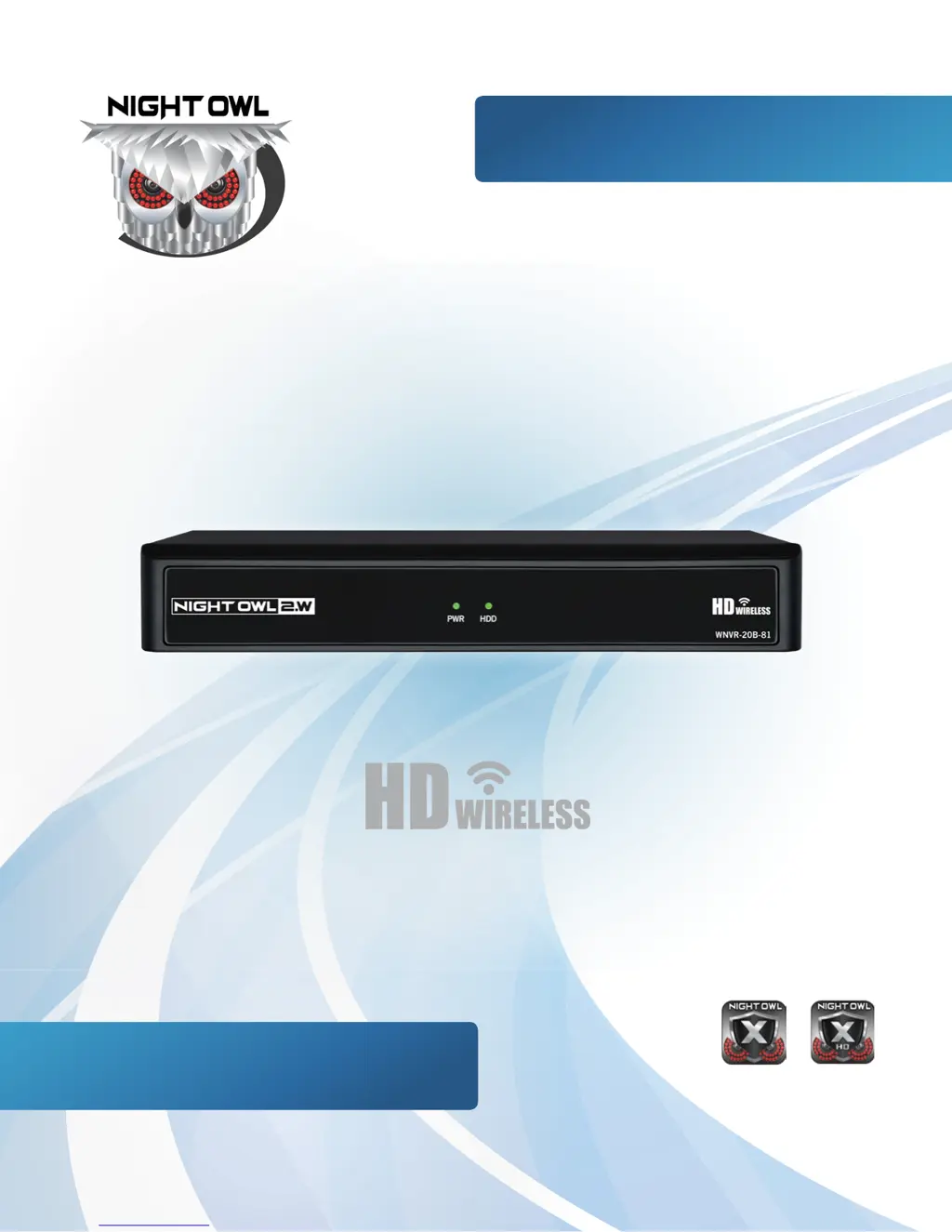
Night Owl WNVR-20B-81
84 pages
Print Icon
To Next Page IconTo Next Page
Loading...
WNVR201 SERIES
Specifically
Designed for
Smartphones
Specifically
Designed for
Tablets
USER’S MANUAL
www.NightOwlSP.com

Questions and Answers

  • Z
    zachary51Aug 13, 2025
    What to do if my Night Owl DVR is not powering up?
    • J
      jamescoleAug 13, 2025
      If your Night Owl DVR isn't powering up, ensure the power adapter cable is securely connected to both the DVR and the power outlet. If it's still not working, the system may not be receiving enough power. Try these steps: * Make sure the DVR is turned ON (check the LED indicators on the front). * If connected to a power bar or surge protector, bypass it and plug directly into the wall outlet. * Verify the outlet has power by testing it with another device, like a phone charger. * Try a different power outlet.
  • D
    dlittleAug 17, 2025
    Why is my mouse not detected by my Night Owl DVR?
    • D
      Dustin HicksAug 17, 2025
      If your Night Owl DVR isn't detecting the mouse, it might be due to a loose connection or the system needing a reset. First, ensure the mouse cable is firmly connected to the USB Mouse port on the front panel. If that doesn't work, power off the DVR by disconnecting the power cable, then firmly connect the mouse to the USB Mouse port. Finally, reconnect the power cable to the DC 19V port.
  • C
    Carol SosaAug 21, 2025
    What to do if my Night Owl Network Hardware is not receiving power?
    • D
      David DavisAug 21, 2025
      If your Night Owl Network Hardware system isn't receiving power, start by checking that the cable from the power adapter is securely connected at both ends. Also, ensure the power adapter is properly plugged into the back of the unit. If the cables are secure, but the system still won't power on, make sure the system is actually turned on (look for lit LED indicators). If connected through a power bar or surge protector, try plugging directly into a wall outlet. Verify the outlet has power by testing it with another device, like a phone charger, or try a different outlet.
  • L
    leahlambertAug 25, 2025
    How to fix a full hard drive on Night Owl WNVR-20B-81?
    • L
      lisa75Aug 25, 2025
      If your Night Owl Network Hardware's hard drive is full and the unit has stopped recording, log in to your NVR. Then, go to the Hard Drive menu and make sure the 'Overwrite' option is enabled. This setting allows the system to record over older footage, preventing the drive from becoming full.
  • K
    kcummingsAug 28, 2025
    What to do if the mouse is not detected by Night Owl WNVR-20B-81 Network Hardware?
    • O
      oconnorwyattAug 28, 2025
      If your Night Owl Network Hardware system isn't detecting the mouse, first, ensure the mouse cable is securely plugged into the USB Mouse port on the front panel. If it's still not working, power off the system by disconnecting the power cable. Then, firmly connect the USB mouse to the USB Mouse port on the front panel and reconnect the power cable to the DC 19V port on the rear panel to power it back on.
  • T
    tyler80Sep 1, 2025
    What to do if Night Owl WNVR-20B-81 Network Hardware doesn't detect the hard drive?
    • N
      nathancaseySep 1, 2025
      If your Night Owl Network Hardware system isn't detecting the hard drive, remove the cover and check that the hard drive cables are firmly connected. If there is no hard drive in the system, open the cover and install a 3.5" SATA hard drive.
  • Y
    yrasmussenSep 5, 2025
    How to restore sound on Night Owl WNVR-20B-81 Network Hardware?
    • P
      Peter JohnsonSep 5, 2025
      If you're getting an image on your Night Owl Network Hardware NVR but no sound, begin by checking the AUDIO connection to the NVR to ensure all cables are properly connected. Next, right-click in Live View and confirm that the Volume is enabled. If you are using external speakers, make sure that they are turned on and the volume is at an audible level.
  • L
    Lawrence GonzalezSep 9, 2025
    How to disable beeping on motion detection for Night Owl WNVR-20B-81?
    • I
      ibenjaminSep 9, 2025
      If your Night Owl Network Hardware system beeps during motion detection, go to the General Menu, then to Video Alarm. Select the channel and turn Audible Warning to off. This will disable the alarm buzzer when motion is detected.

Summary

Product Overview and Specifications

FCC Warnings

Regulatory compliance information and statements for the device.

Safety Instructions

Guidelines for safe operation, installation, and handling of the NVR system.

App Overview

Details on Night Owl mobile applications for remote monitoring and system management.

Specifications

System requirements, package contents, and diagrams of NVR and camera components.

Installation and Initial Setup

Camera Installation

Step-by-step instructions for powering and mounting wireless security cameras.

NVR Installation

Instructions for connecting the Network Video Recorder to power, display, and network.

Startup Wizard Guide

Guided process for initial NVR setup, firmware updates, password creation, and app configuration.

System Operations and Configuration

Live View and Playback

How to monitor live video feeds, control playback, and use the NVR interface.

Menus and Settings Overview

Explains access to NVR menus for configuring cameras, network, recording, and system options.

Camera Management

Adding, editing, and configuring individual camera settings, including status and firmware.

System and Maintenance

Configuring system settings, WiFi, user management, device info, and maintenance.

Support and Information

Glossary

Definitions of technical terms used throughout the manual for clarity.

Warranty Information

Details on the product warranty, terms, conditions, and exclusions.

Troubleshooting

Guidance on diagnosing and resolving common system errors and operational issues.

User Information and Contact

Fields for recording essential NVR details and contact information for support.

Night Owl WNVR-20B-81 Specifications

General IconGeneral
BrandNight Owl
ModelWNVR-20B-81
CategoryNetwork Hardware
LanguageEnglish

Related product manuals