Need help?
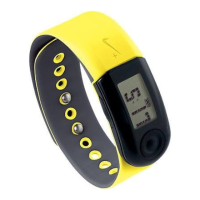
Do you have a question about the Nike Nike+ SportBand and is the answer not in the manual?
Guide to downloading and installing the Nike+ Utility software.
Steps to connect the SportBand Link and adjust user settings.
Instructions for preparing and starting a run with the Nike+ SportBand.
Procedure for uploading recorded run data to the nikeplus.com website.
Explains the functions of the Record and Toggle buttons for device operation.
Step-by-step guide on how to start and record a running activity.
 General
| Product Type | Fitness Tracker |
|---|---|
| Connectivity | USB |
| Water Resistance | Sweat and rain resistant |
| Activity Measured | Running |
| Wireless Interface | USB |
| Functions | Tracks distance, pace, calories burned |

 To Next Page