EasyManua.ls Logo

Nikkai A66HY - User Manual

Nikkai A66HY
19 pages
Print Icon
To Next Page IconTo Next Page
Loading...
AMS
TP
DSP
LOUD
CLAS SIC
POP
D
-AU
D
2
SCN
3
RPT
4
SHF
5
DN
6
UP
DISP
ID3(0)
(9)(8)(7)
MENU
/
D
E
L
N
/
D
T
B
MODE
MIC
PTY
TA
AF
DSP
AND BUILT IN BLUETOOTH
HANDSFREE SYSTEM
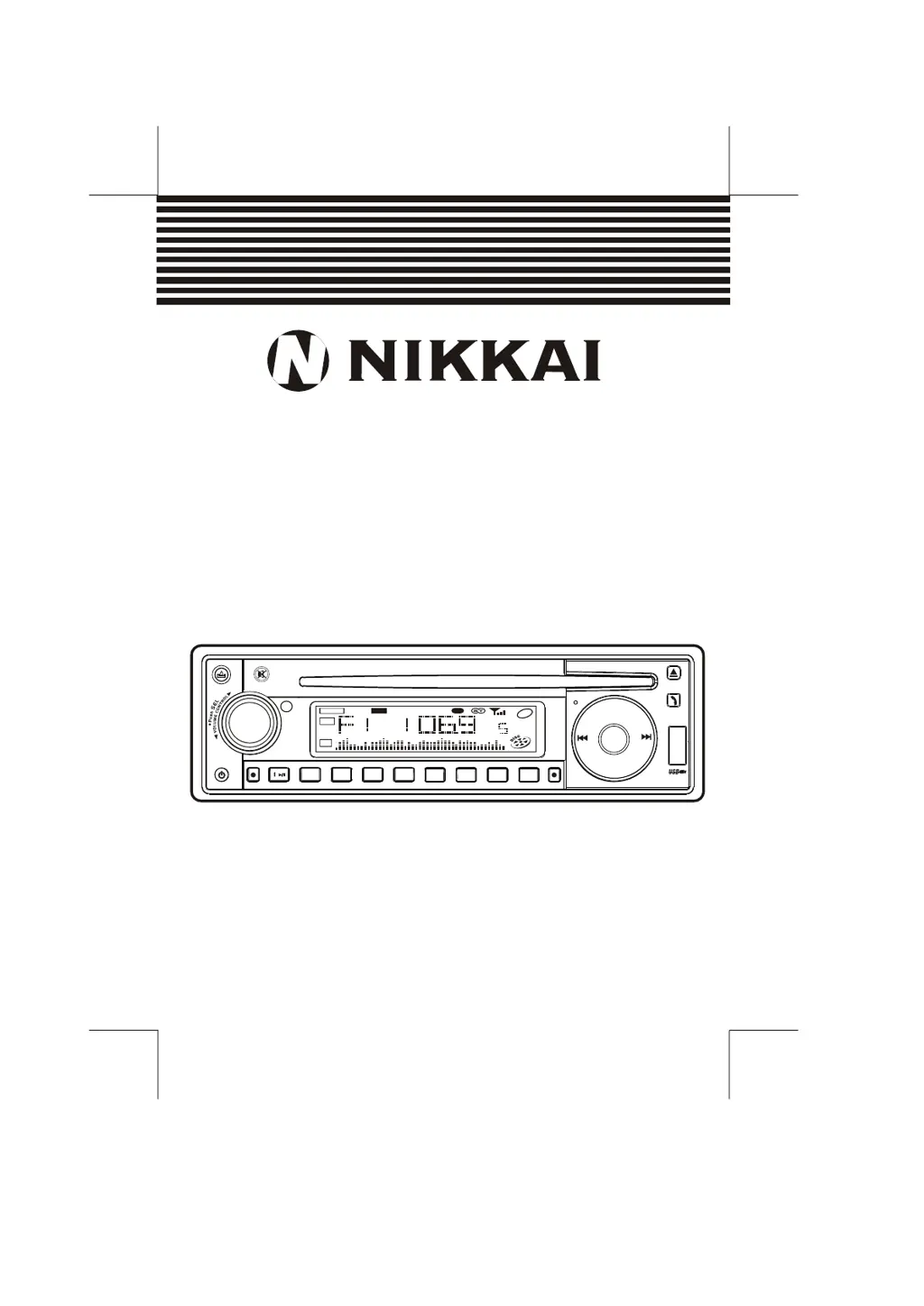
INSTRUCTION MANUAL
MODEL : A66HY
CAR CD / MP3 PLAYER / RDS RECEIVER
WITH USB/SD/MMC INTERFACE

Questions and Answers

  • M
    Michael DavisAug 10, 2025
    Why is there no sound coming from my Nikkai A66HY Car Receiver?
    • H
      hatkinsonAug 10, 2025
      If your Nikkai Car Receiver has no sound, first, make sure the volume isn't set to the minimum; adjust it to your preferred level. If the volume is OK, check the wiring connections to ensure they are properly connected.
  • M
    Melanie OconnellAug 18, 2025
    What to do if my Nikkai Car Receiver has no power?
    • B
      Benjamin MedinaAug 18, 2025
      If your Nikkai Car Receiver isn't getting power, ensure the car ignition is switched to “ACC” if the power supply is correctly connected to the car accessory terminal. Also, check the fuse and replace it if it's blown.
  • J
    Jennifer FarrellAug 26, 2025
    How to fix Nikkai A66HY Car Receiver operation keys that do not work?
    • T
      Tiffany WilliamsAug 26, 2025
      If the operation keys on your Nikkai Car Receiver aren't working, try pressing the RESET button, as the built-in microcomputer may not be operating correctly due to noise. Also, ensure the front panel is properly fixed into its place.
  • S
    Susan CampbellSep 2, 2025
    What to do if my Nikkai A66HY Car Receiver cannot load or eject discs?
    • S
      scott25Sep 2, 2025
      If your Nikkai Car Receiver won't load or eject a disc, make sure there isn't already a CD inside. If there is, remove it before inserting a new one. Ensure you're inserting the disc with the label facing upward. If the disc is dirty or defective, clean it or try a different one. If the temperature inside your car is too high, allow the car to cool down. If condensation has formed, leave the player off for about an hour before trying again.

Summary

NIKKAI A66 HY Car Stereo Manual

Control Panel Layout and Button Functions

Compact Disc Handling and Care

Disc Compatibility and Usage Warnings

Information on incompatible disc types, labels, sticky residue, and special shape CDs.

Vehicle Installation Procedures

DIN Front-Mount Installation Method

Step-by-step guide for installing the unit using the conventional DIN front-mount method.

Rear Mount Installation and Detachable Panel

Detachable Control Panel (DCP) Management

Procedures for removing, attaching, and handling the detachable control panel safely.

Electrical Setup and Basic Operations

Power Wiring and Fuse Replacement

Guidance on connecting the unit's power supply and replacing the fuse.

Radio Presets and CD Operations

CD Playback Controls

Instructions for CD loading, playback control (pause, scan, repeat), eject, and track navigation.

RDS (Radio Data System) Features

USB Device Integration

USB Playback: Start, Stop, and Specs

Instructions for connecting, starting, stopping USB playback, and USB specifications.

SD;MMC Card Integration

SD;MMC Playback: Start, Stop, and Specs

Instructions for inserting, playing, and removing SD/MMC cards, including specifications.

Bluetooth Handsfree System

Setup, Pairing, and Operation

Steps for setting up, pairing a phone, and operating the handsfree Bluetooth system.

Bluetooth Device Compatibility

System Specifications

Troubleshooting Guide

Identifying and Resolving Issues

A guide to common symptoms, their causes, and solutions for troubleshooting.

Nikkai A66HY Specifications

General IconGeneral
BrandNikkai
ModelA66HY
CategoryCar Receiver
LanguageEnglish